| Usage Tips | | Product Summary |
|---|
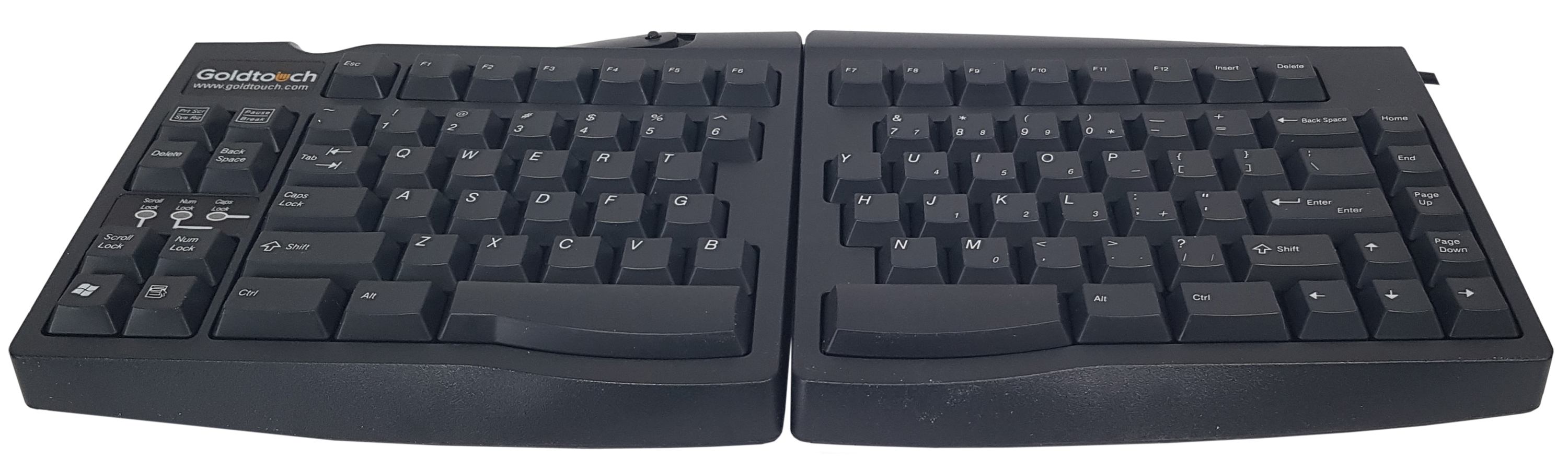
The Goldtouch Adjustable Keyboard by Key Ovation is designed to help prevent or address soft tissue injuries caused by ulnar deviation. The left and right halves of the keyboard are connected by a simple ball joint mechanism that permits the keyboard halves to splay outwards, letting the hands, wrists and shoulders be kept comfortably straight as they type. The compact design, achieved by the elimination of a built-in numeric keypad, helps to prevent strain in the shoulder and neck muscles caused by overreaching for the mouse.
Caution: Those who use either the or the Goldtouch Numeric Keypad with a Goldtouch Adjustable Keyboard should be certain to plug the Keyboard directly into the computer, or into an external USB hub. Connecting a keyboard to the computer via any of the ports on the Goldtouch Numeric Keypad can cause both devices to malfunction.
Note: If you are looking for the Goldtouch Keyboard model which can also angle up or tent in the middle in addition to the splay please visit the Goldtouch V2 Adjustable Keyboard which offers the full range of adjustment for which the Goldtouch keyboards are known. | | Ergonomic Benefits |
|---|
Reduces Risk of Wrist Injury - Typing on a conventional keyboard requires experienced typists to bend the wrist outward towards the little finger in order to keep the fingers in the correct position on the home row. This posture, known as “ulnar deviation,” puts considerable strain on the joint and tissues of the wrist. When the two halves of the keyboard are splayed outward, the strain caused by this unnatural bend at the wrist is eliminated, and the forearm, wrist and hands remain in comfortable alignment throughout the work session. Learn More About Ulnar Deviation.
Reduces Strain on the Shoulder and Neck - At only 15.25” wide, and without a numeric keypad impeding access to the mouse, the Goldtouch Adjustable Keyboard reduces the risk of overreach injuries to the muscles of the shoulder and neck.
Reduces Risk of Injury to the Fingers - The tactile membrane key switches lessen the long-term impact of typing on the finger joints, especially for proficient typists.
| | Features |
|---|
- Ball and Socket Joint: Located at the back of the keyboard in the centre, this joint connects the left and right halves of the Goldtouch Adjustable Keyboard. This mechanism allows the two halves to be splayed outward to address ulnar deviation. The degree splay can easily be configured or reconfigured by multiple individuals at the same workstation.
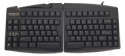
- Variable Splay: The Goldtouch Adjustable Keyboard can be splayed horizontally from 0° to 30° to allow individuals to become accustomed gradually to the configuration, and to choose the degree of splay most suited to their body type.
- Compact Design: At only 15.25” wide, the Goldtouch Adjustable Keyboard lets the mouse be brought closer into the Comfort Zone, and makes efficient use of desktop space.
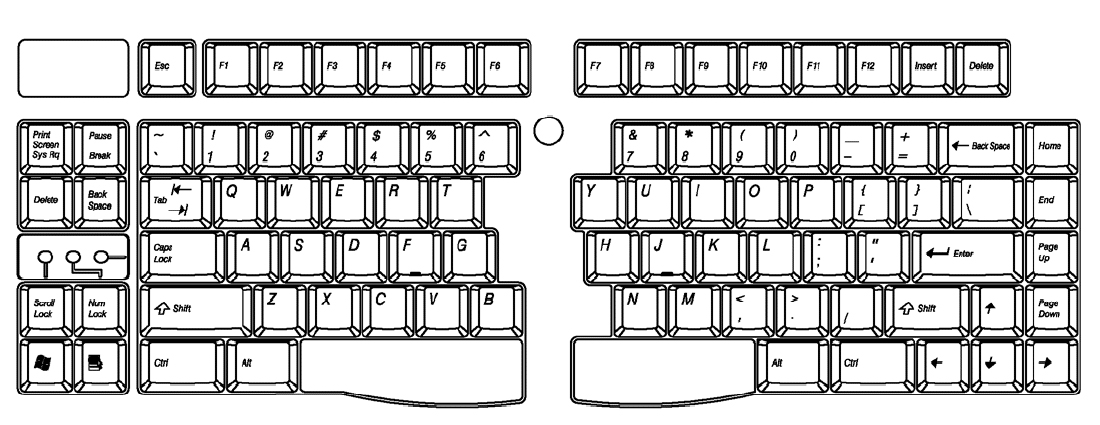
- Embedded Numeric Keypad: An embedded numeric keypad is built into the right side of the keyboard for those who need more frequent access to numbers.
- Load-Balancing: The editing keys are evenly distributed to balance the workload on the hands and fingers. The Home, End, Page Up and Page Down keys are on the left; the Delete, Print Screen, Pause/Break, and Backspace keys are on the right.
- Full Travel, Tactile Key Switches: The membrane keys of the Goldtouch Adjustable Keyboard are full size, full travel and tactile, for increased comfort and typing efficiency.
| | Images (Click on any thumbnail to view larger image) |
|---|
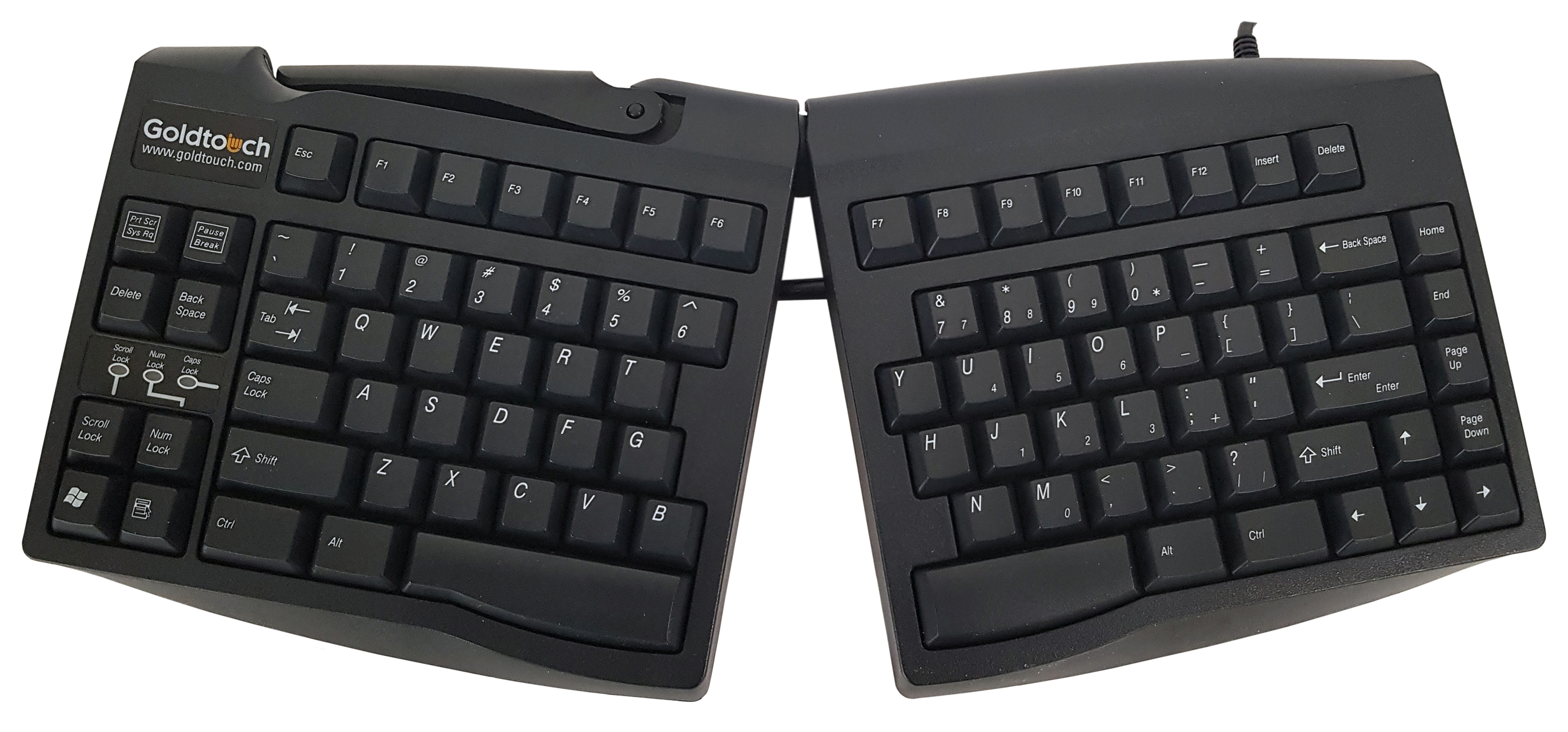
Goldtouch Adjustable Keyboard - Splayed (top view)
| 
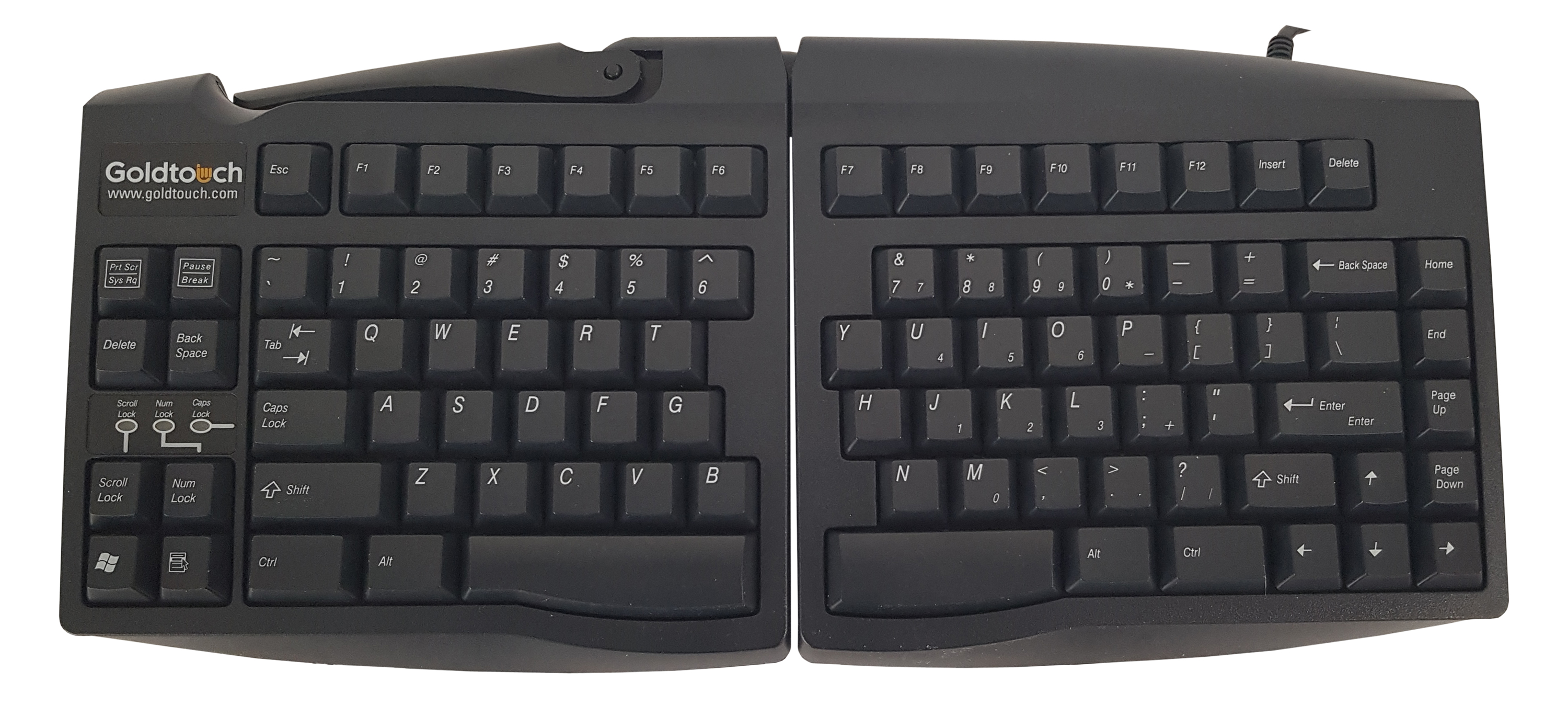
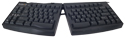
Goldtouch Adjustable Keyboard (top view)
| 
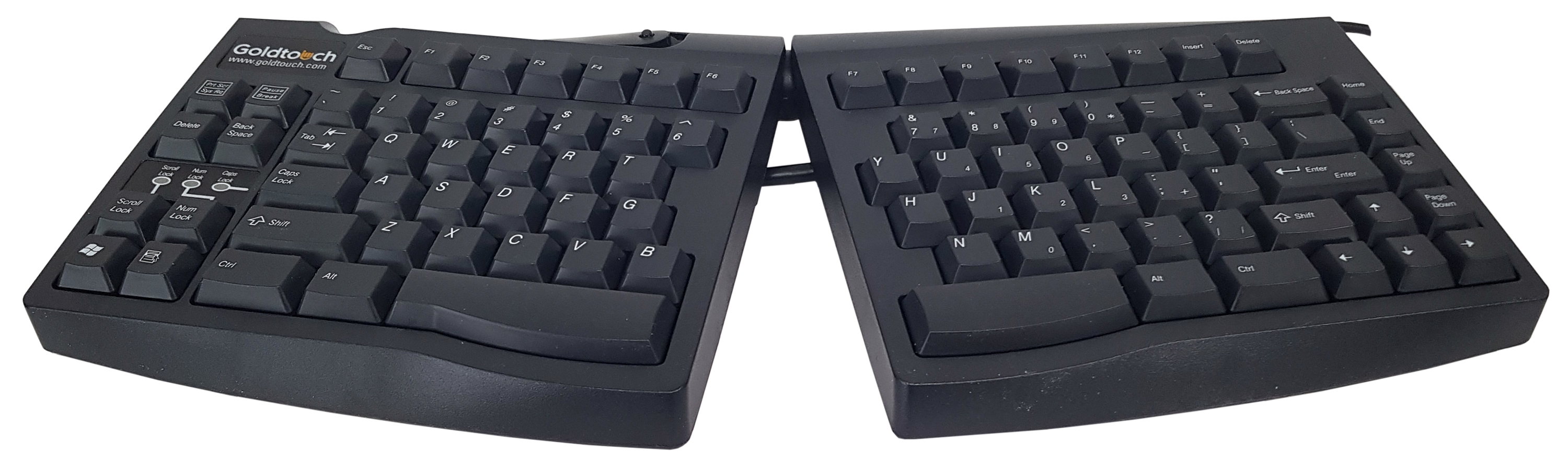
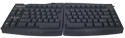
Goldtouch Adjustable Keyboard - Splayed (front angle view)
| 
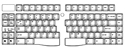
Goldtouch Adjustable Keyboard (front angle view)
| 
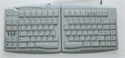
Goldtouch Adjustable Keyboard - US English layout
| 
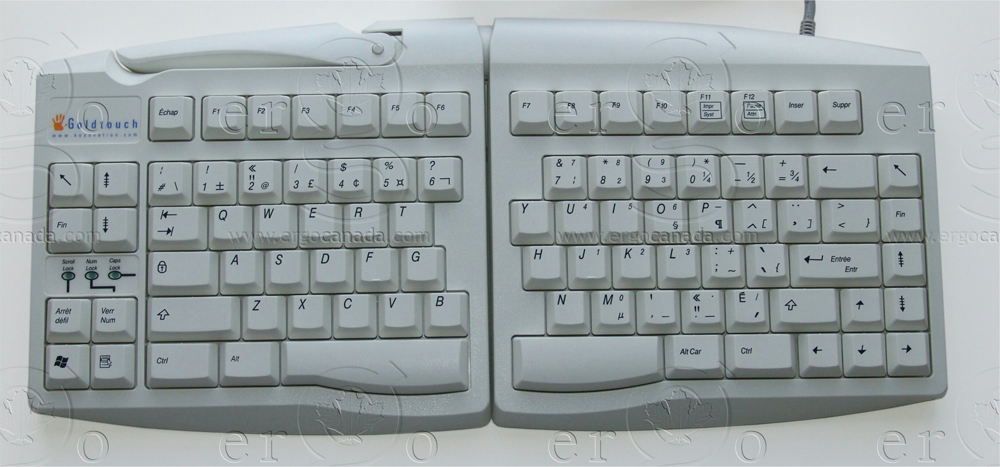
Goldtouch Adjustable Keyboard - French Canadian layout
|
| | Additional Resources |
|---|
- Connecting Via PS/2:
- Be sure the computer is powered off.
- Connect the PS/2 adapter to the USB connector on the end of the keyboard cord.
- Plug the PS/2 adapter into the PS/2 port in the computer. The port will be indicated either by a keyboard icon, or by a keyboard/mouse icon. (Note that the majority of recent model computers have only a single PS/2 port.
- Power up the computer. The keyboard will be ready for use.
| | Technical Specifications |
|---|
| | Models |
|---|
 | | Model # | Description |
|---|
| GTU-0077-FLAT | Goldtouch Adjustable Keyboard, US English, Black, (USB-A). No tenting or locking mechanism
Original Price $150. Is now 65% off - $52.50 / unit !!!
| | GTN-0033-FLAT | Goldtouch Adjustable Keyboard, US English, White, (USB-A). No tenting or locking mechanism
Original Price $150. Is now 75% off - $37.50 / unit !!!
| | GTN-0077-FLAT | Goldtouch Adjustable Keyboard, US English, Black, (USB-A / PS/2). No tenting or locking mechanism
Original Price $150. Is now 65% off - $52.50 / unit !!!
| | GTN-0077-ADPT | Goldtouch USB–PS/2 Adapter |
| | Accessories |
|---|
| Model # | Description |
|---|
| GTC-ELITE | Goldtouch Elite Numeric Keypad, Black, for PC and Mac, (USB-A / USB-C [requires a USB-C to USB-C cable]) | | GTC-0077 | Goldtouch Numeric Keypad, Black, for PC, (USB-A) | | GTC-0033 | Goldtouch Numeric Keypad, White, for PC | | GT7-0017 | Goldtouch Gel Wrist Rests, Black | | GT8-0017 | Goldtouch SlimLine Gel Wrist Rest, Black | | KOV-GTM-R | Goldtouch Ergonomic Mouse, Right Hand, Corded, Silver, (USB-A) | | KOV-GTM-L | Goldtouch Ergonomic Mouse, Left Hand, Corded, Silver, (USB-A) |
|
|