| Additional Resources Usage Tips Accessories | | Product Summary |
|---|
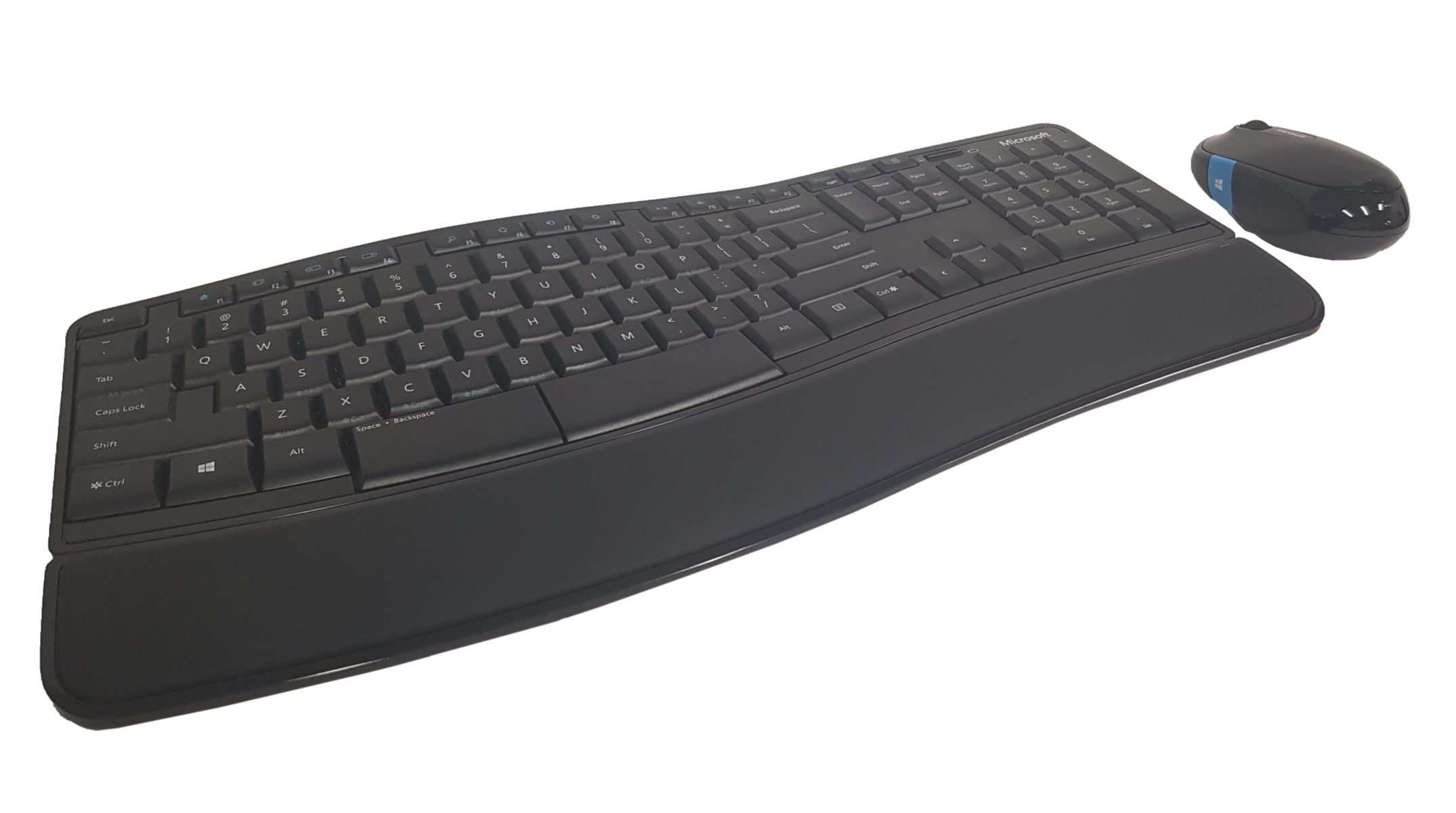
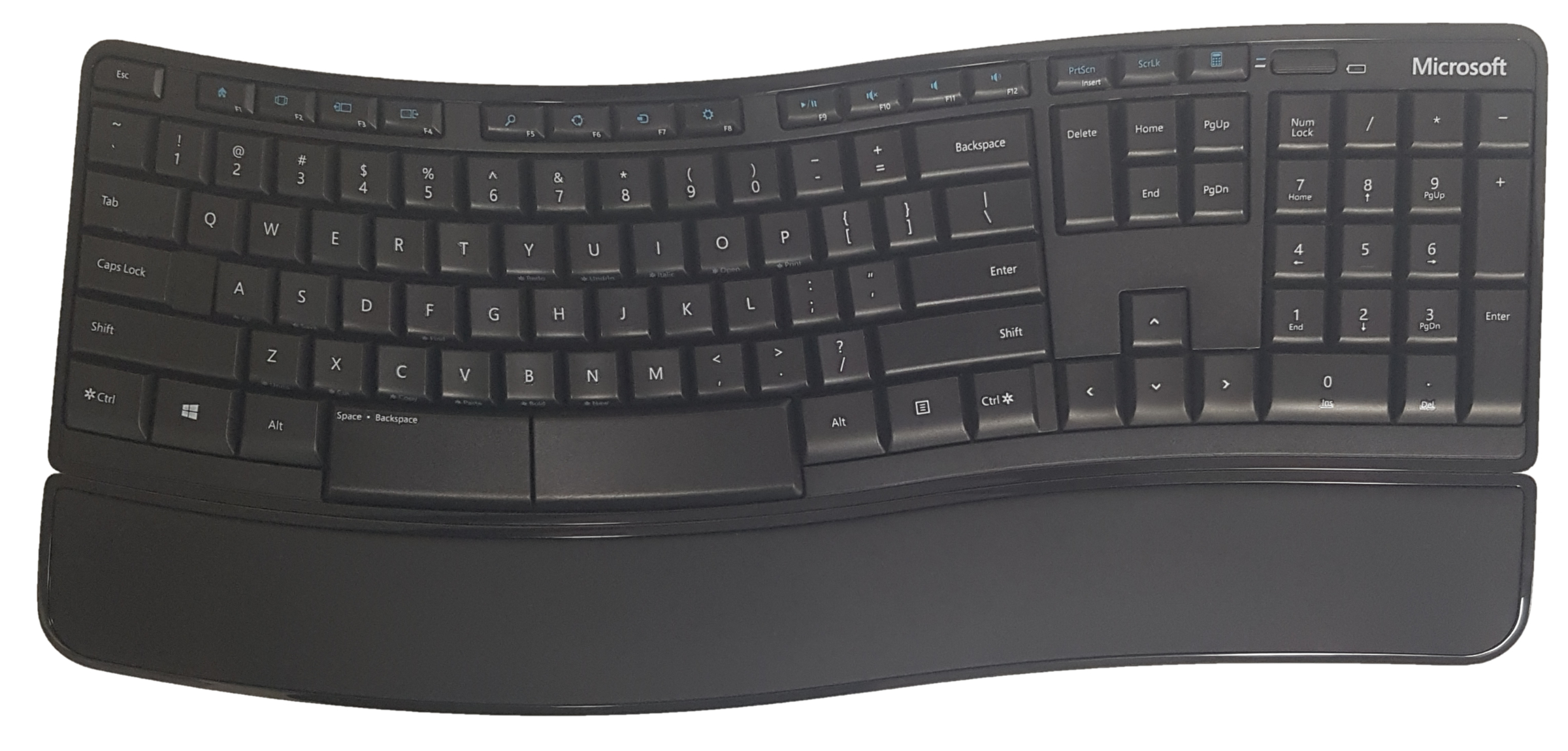
The Sculpt Comfort Desktop from Microsoft is a wireless (2.4 GHz) keyboard and mouse combination. The keyboard features a subtle gull-wing design that orients keys at varying angles, rising slightly at the middle and transitioning to a traditional "flat" or 0° by the time the outer alpha keys are reached. The keys are also angled slightly outward at the middle, transitioning to straight at the outer alpha/numeric keys. The navigation and numeric keypad keys are standard straight alignment and level. The split spacebar features extra-deep keys. The keyboard is equipped with a detachable padded leather-like palm support to aid in reducing wrist extension.
The keyboard is paired with a mouse for use by the right hand. This mouse is on the smaller side in both width and length. As a result it can lead to pinching for control of cursor movement, and clawing of the fingers to access buttons and the scroll wheel, especially for those with larger hands. It is equipped with a 4-way scroll wheel for both vertical and lateral scrolling. | | Ergonomic Benefits |
|---|
Reduces Risk to the Elbow and Forearm - The fully pronated "palms down" position adopted by the majority of typists puts a considerable strain on the tissues of the elbow and forearm. The result can be fatigue, inflammation and long-term injury. The very slightly angled Gull Wing orientation of the keys on the Microsoft Sculpt Comfort Desktop Keyboard can nominally reduce this strain by rotating the forearm back towards a more natural posture. Learn More About Pronation.
Can Reduce Wrist Extension - The included detachable palm rest can assist in reducing the risk of Wrist Extension by keeping the wrists from dropping down to the desk or keyboard tray surface.
Learn More About Wrist Extension.
| | Features |
|---|
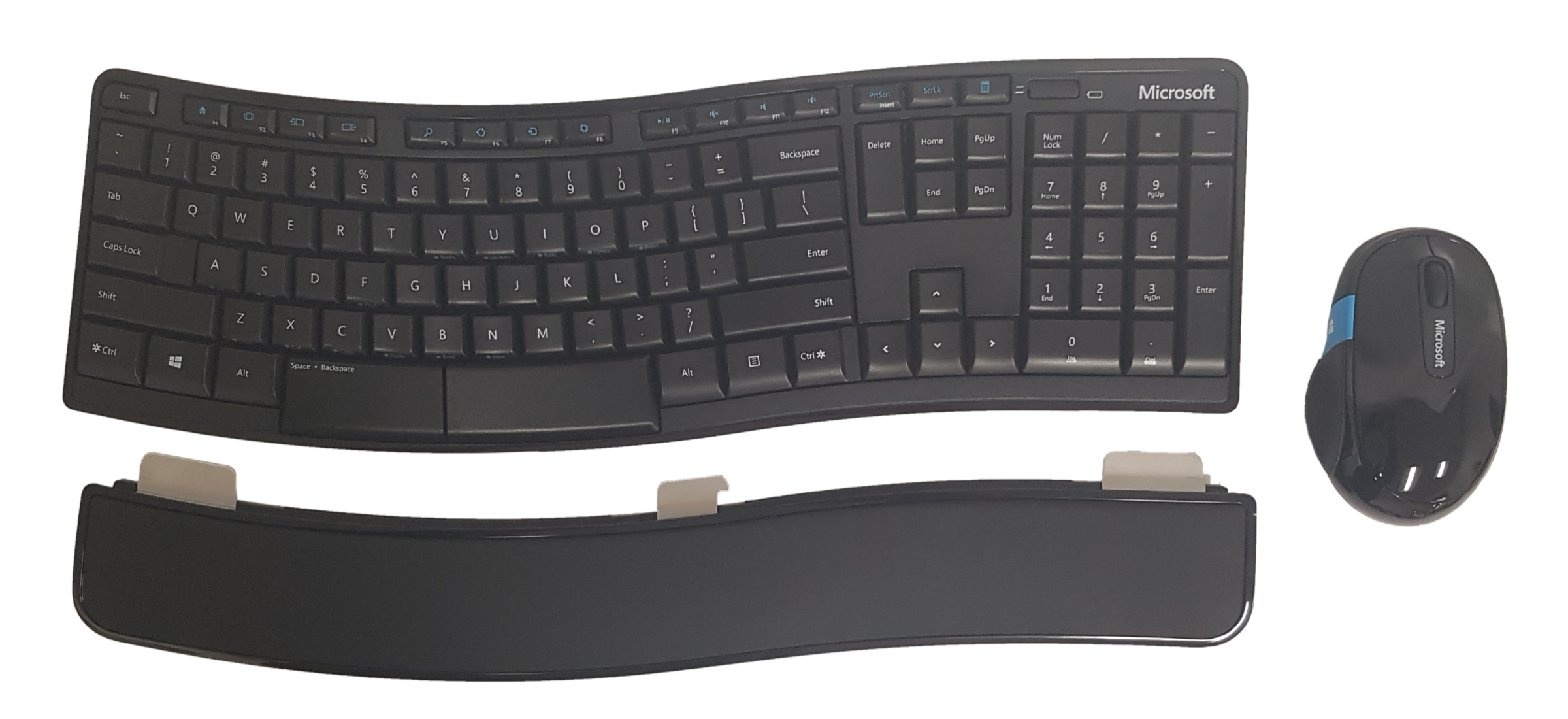
- Detachable Palm Support: The included detachable cushioned palm support can be used to reduce the degree of wrist extension. When not desired the support can be unlocked and set aside without affecting the angle of the keyboard.
- Web, Search, Email, Favourite Programs, Calculator & Multi-Media Controls: The top of the keyboard includes one-touch keys to give quick access to common functions.
- Keyboard Shortcut Legends: Common Keyboard Shortcuts are legended on the front edge of several keys. However, the very small light print and the position on the front edge of the keys makes viewing them somewhat difficult.
- 4-Way Scrolling: The included Microsoft Mouse is equipped with a 4-way scroll wheel that facilitates both vertical as well as lateral scrolling.
- Secondary Functions on F-Key Row: The row of half-height F-Keys can also be used to access a range of common functions, Mail, Web, Forward/Back, Media Controls, etc. as secondary “alt” functions.
| | Images (Click on any thumbnail to view larger image) |
|---|
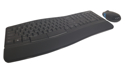
Microsoft Sculpt Comfort Desktop
| 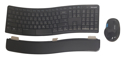
Sculpt Comfort Keyboard Layout
| 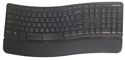
Detachable Palm Support
|
| | Technical Specifications |
|---|
| | Models |
|---|
 | | Model # | Description |
|---|
| L3V-00002 | Sculpt Comfort Desktop, wireless 2.4 GHz, includes Keyboard & Mouse, black, (USB-A) |
|
|