| Accessories | | Product Summary |
|---|
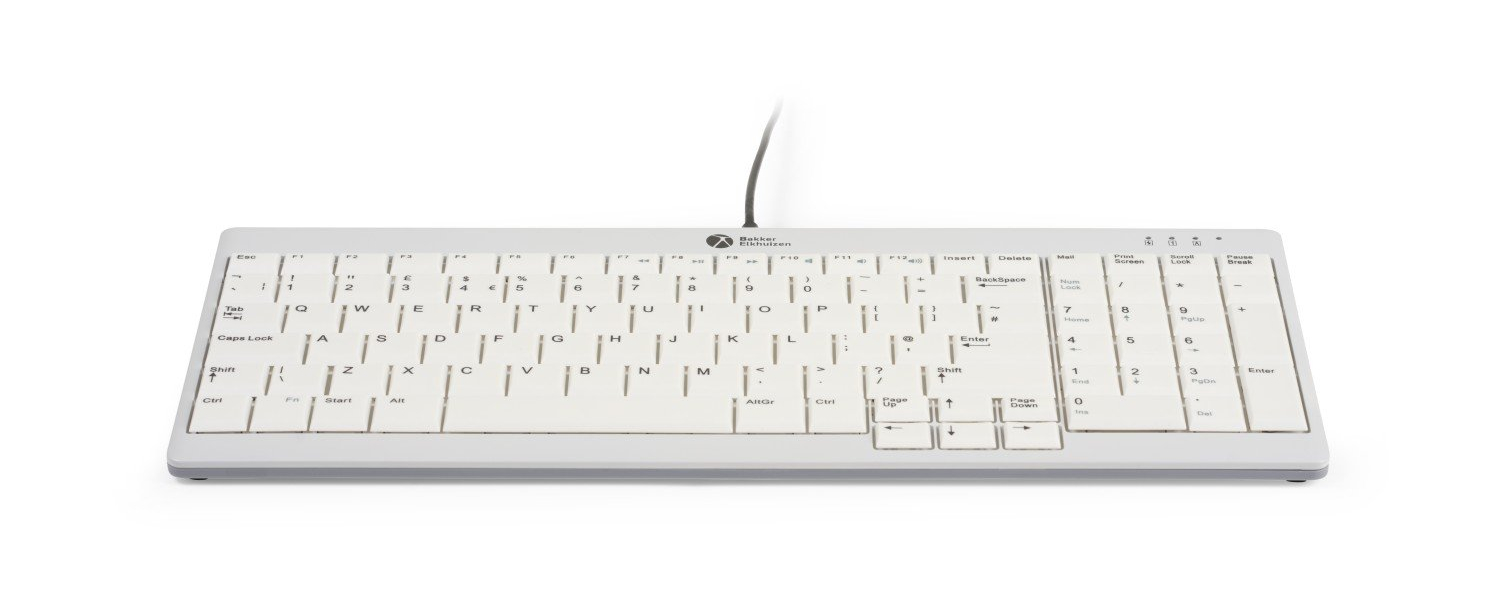
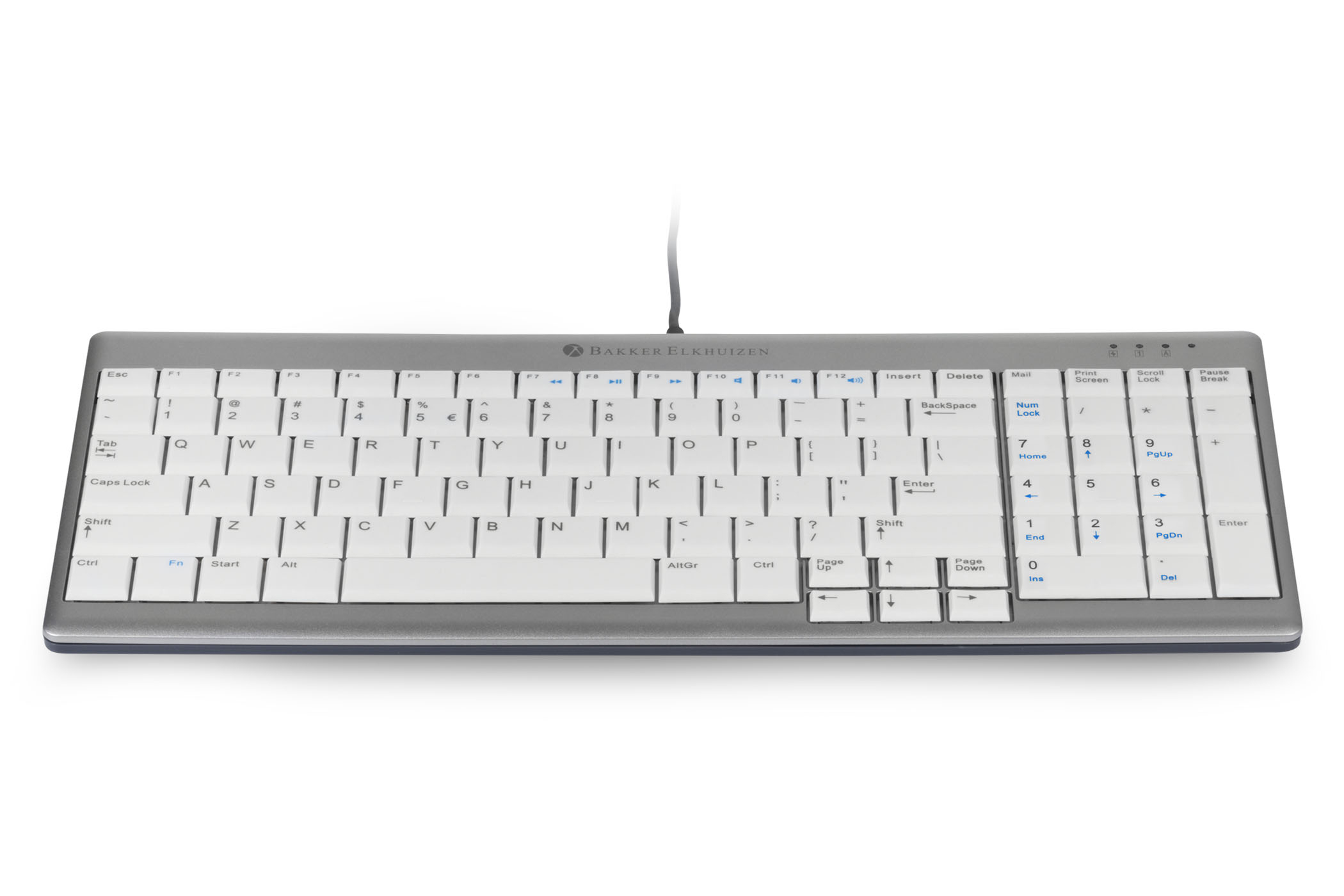
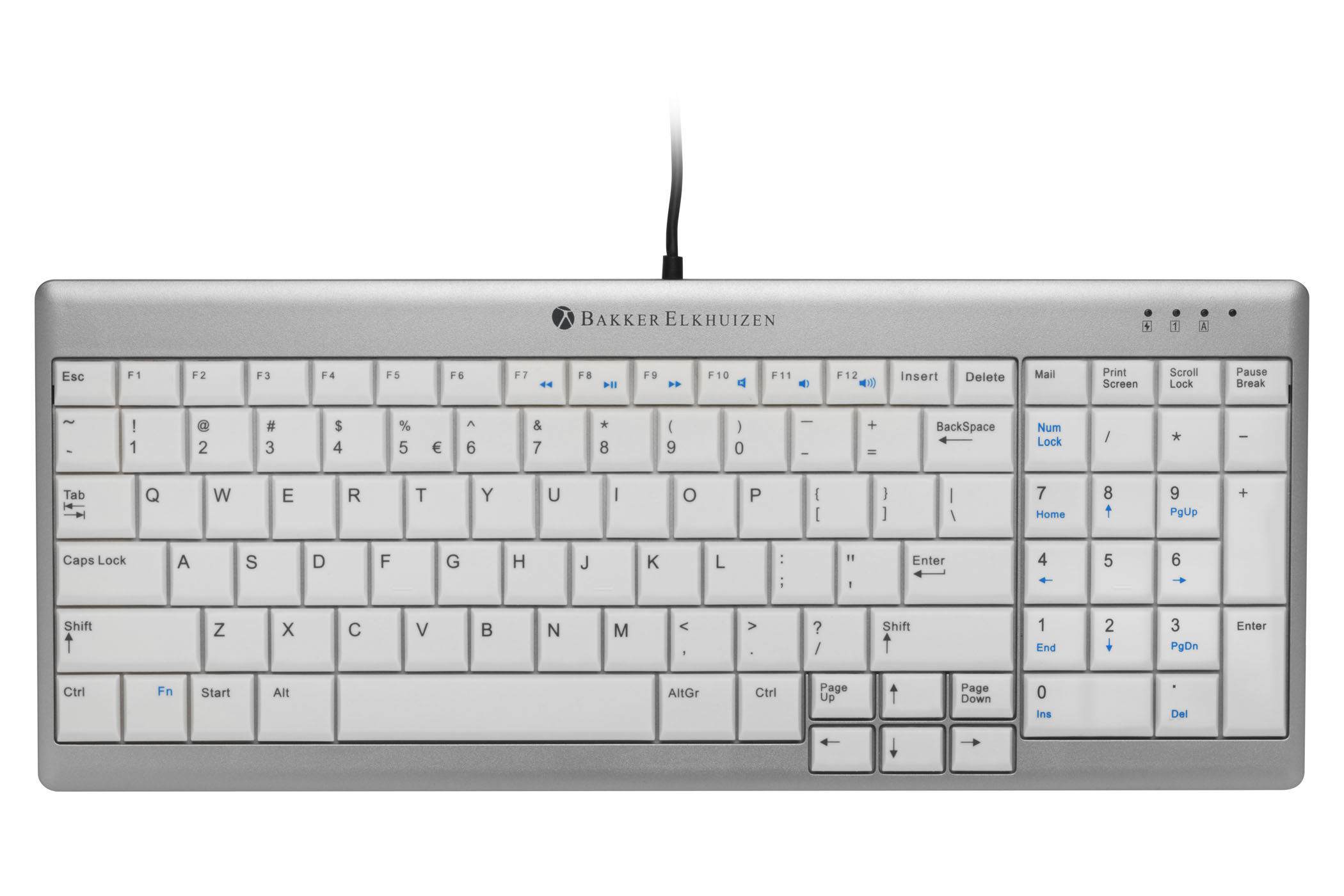
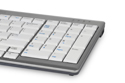
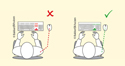
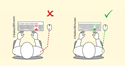
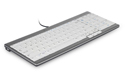
The UltraBoard 960 Compact Standard keyboard from Bakker Elkhuizen reduces the reach to the mouse by compacting both keyboard and numeric functions into a width of just 14.3". The compact design significantly reduces the distance the hand moves when switching between keyboard and mouse usage, and in so doing reduces the potential for associated shoulder issues that can arise from repetitive overreaching.
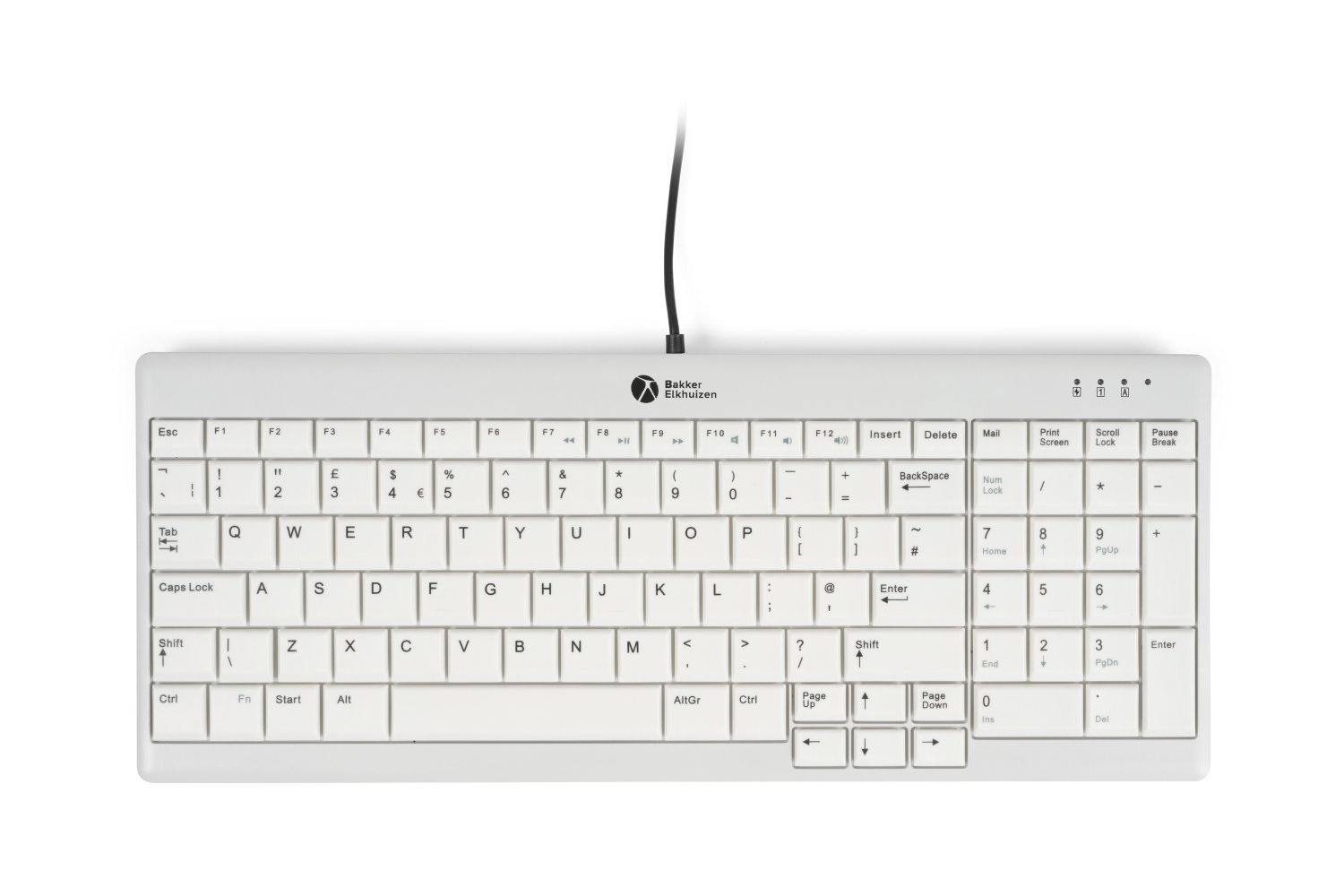
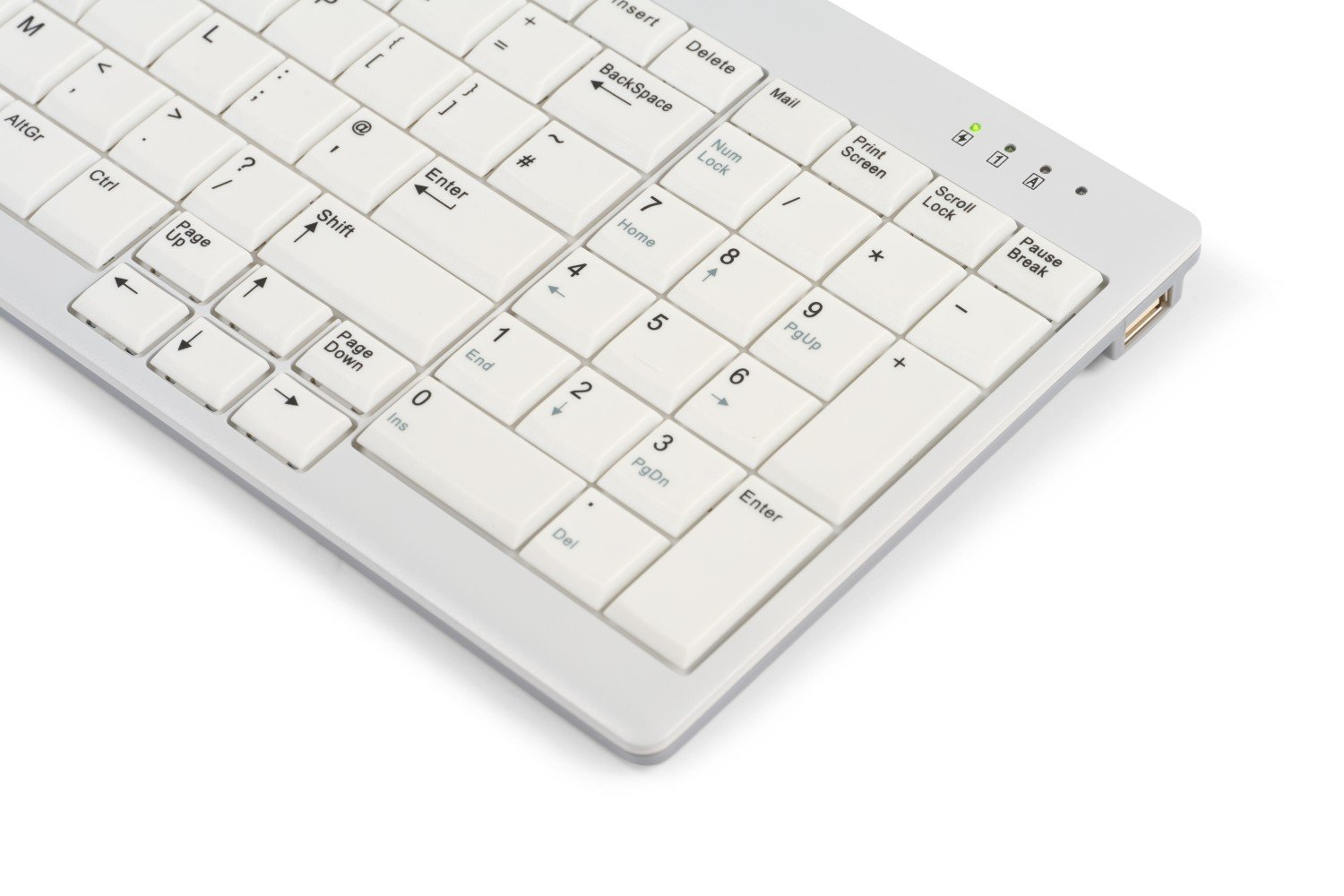
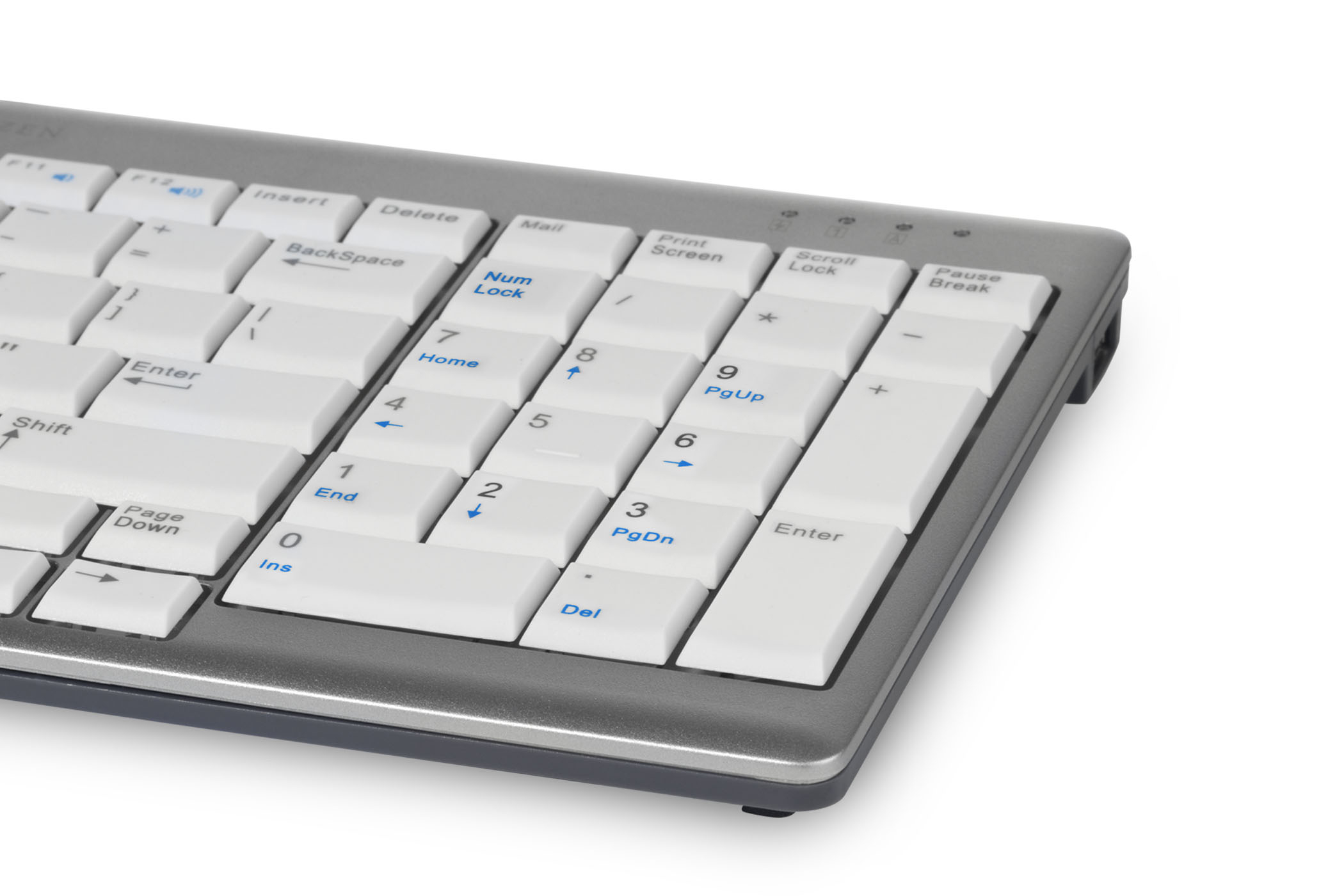
The UltraBoard 960 Compact Standard keyboard includes a fully functioning, standard layout 10-key numeric keypad. This design is commonly referred to as a "compact financial" style of keyboard because of how well it serves the needs of those who rely on a numeric keypad for rapid entry of financial data. This compact layout retains all standard keyboard and numeric functions but reduces the right-hand reach by over 3" when compared to standard full-width keyboards.
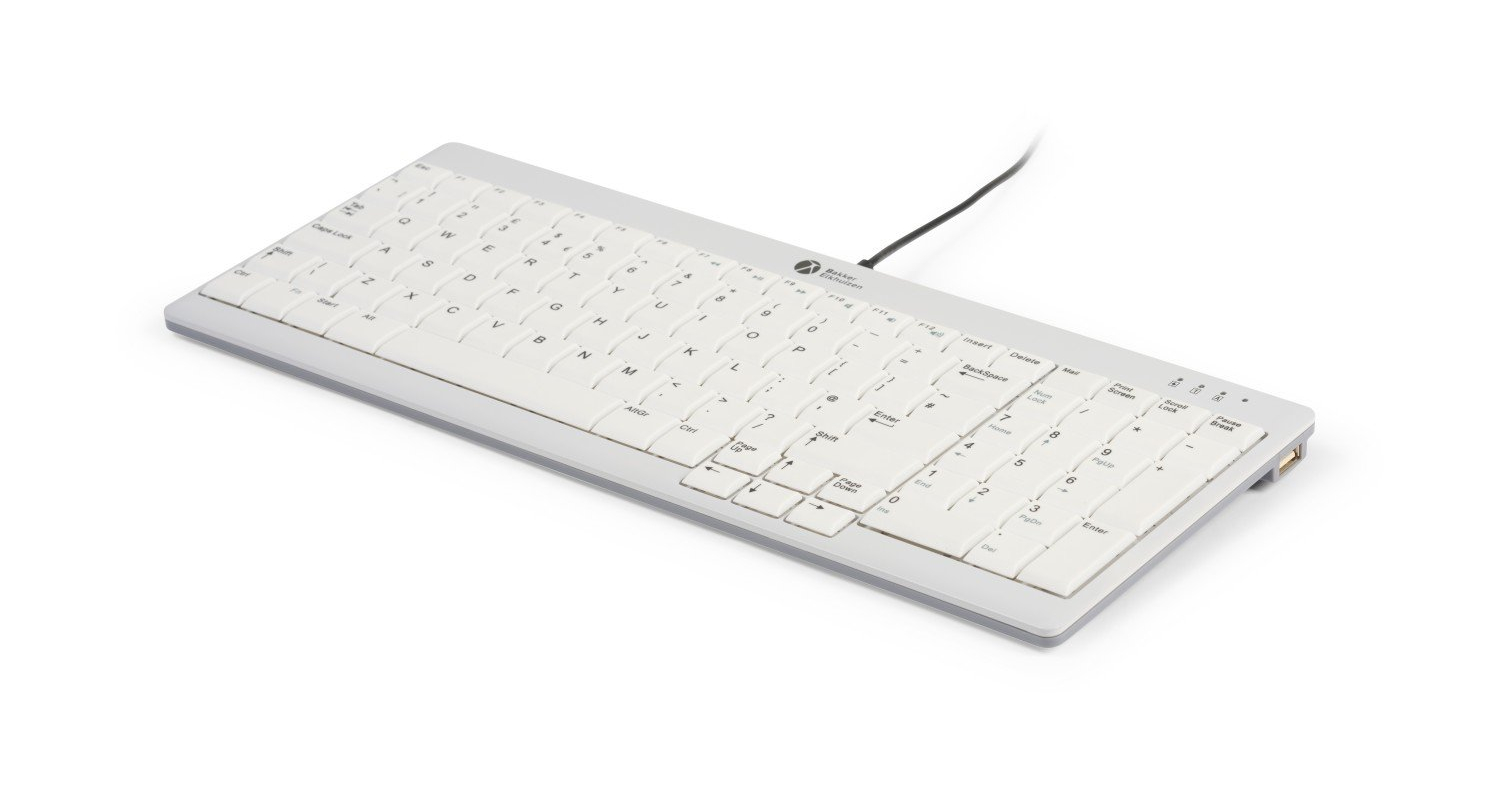
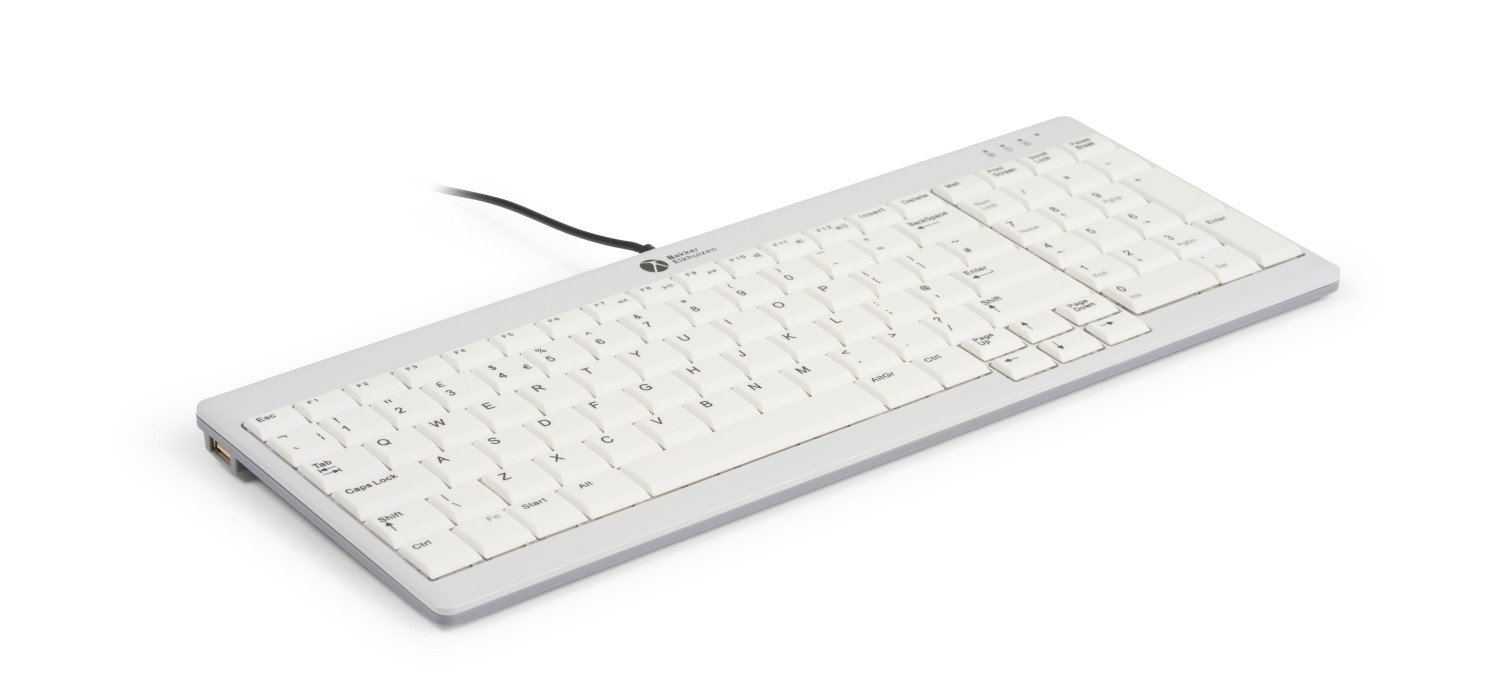
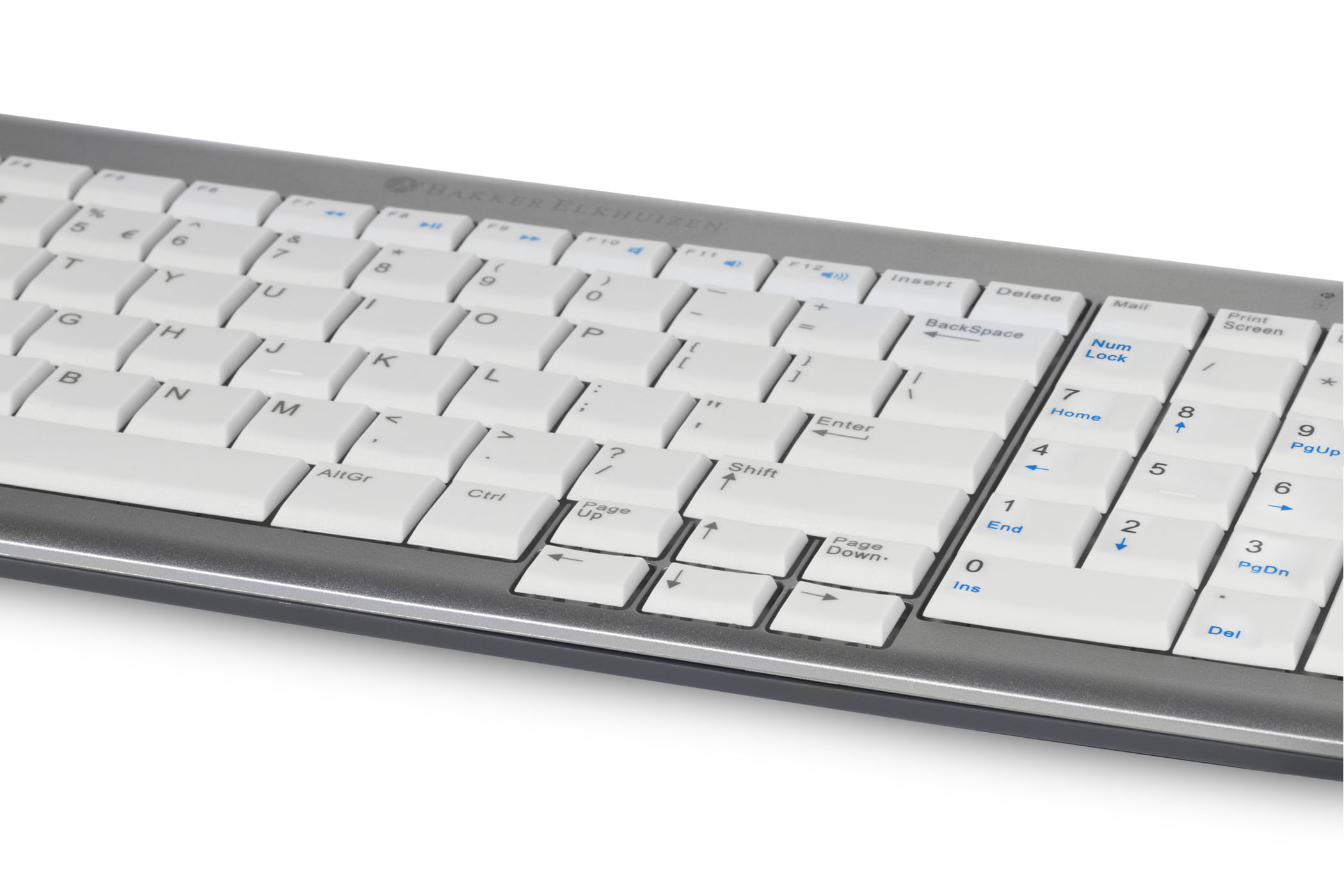
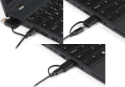
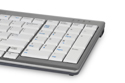
The UltraBoard 960 features a low profile with a maximum height of just 0.75" to reduce the potential for wrist extension. The scissor-stabilized switches are topped with slightly concave keycaps to help guide the fingers to the optimum keying position. The light-colour keycaps are matte finish to reduce glare and are printed with high contrast darker colours to optimize viewing under all lighting conditions. Convenient dual USB ports are located on the left and right of the keyboard housing for connection of a mouse, USB stick, etc.
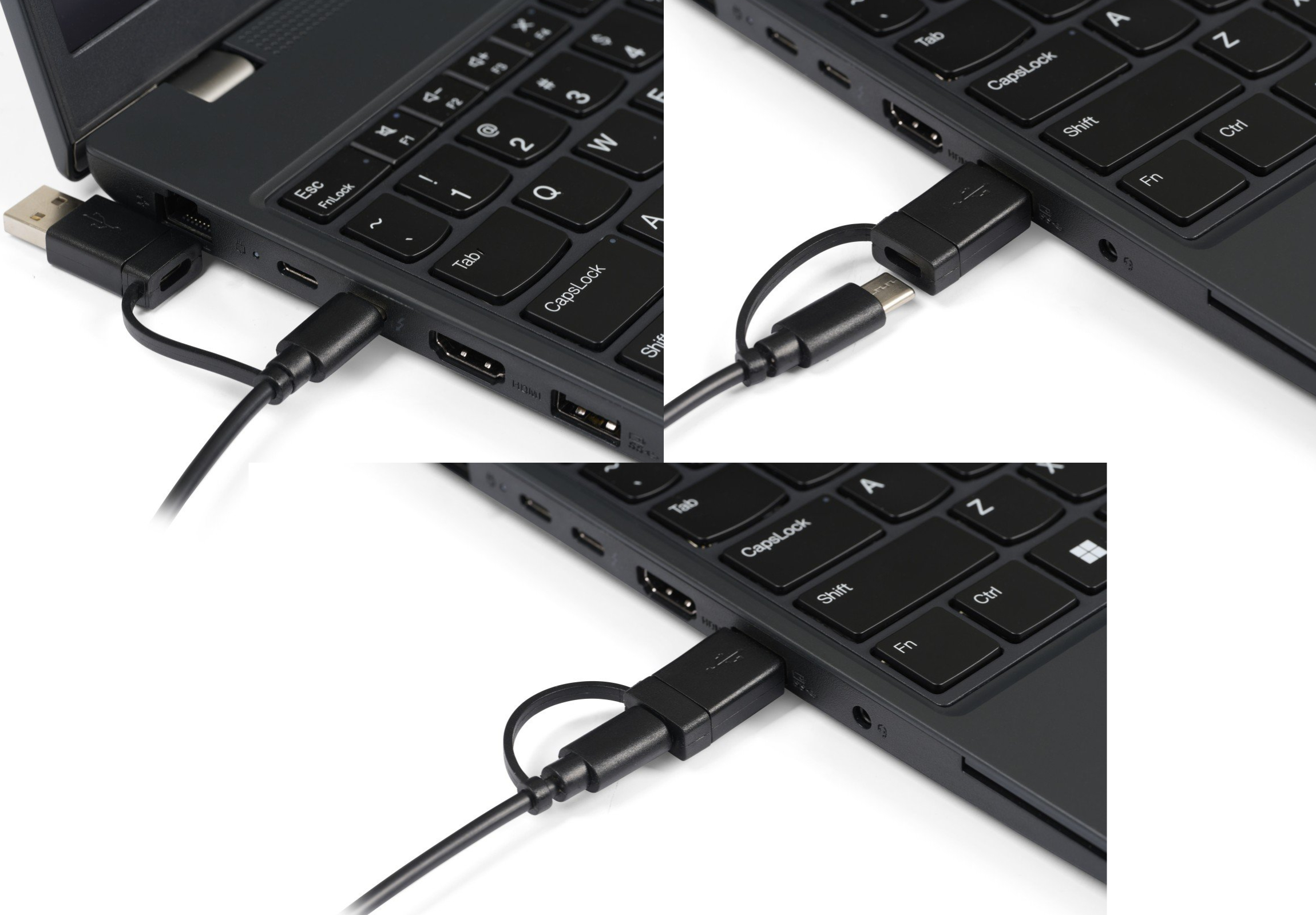
The newest version is the UltraBoard 960 V2 Compact Standard, which is identical is size, shape, and layout as the original UltraBoard 960 Compact Standard but has these differences: 1. The top housing component is a light grey colour for enhanced key readability and reduced glare. 2. New USB-C connection (includes USB-A adapter) for new computers with USB-C ports, and 3. All key legends are in black. | | Ergonomic Benefits |
|---|
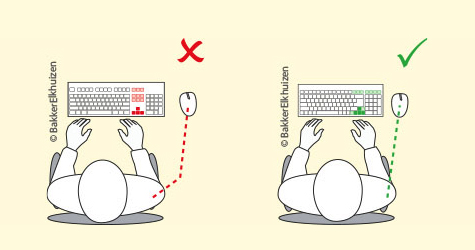
Reduces Overreaching for the Mouse - Regular size keyboards with integrated numeric keypads on the right often make reaching for the mouse on the right-hand side an ergonomic risk factor. The further the reach for the mouse (from the dominant hand home row, over the navigation keys, over the numeric keypad), the greater the risk of injuries to the arm and shoulder due to overreaching. The UltraBoard 960 Compact Standard reduces this potential risk factor by keeping the built-in numeric keypad on the right side as close as possible to the main keys while maintaining a surprisingly compact width of just 14.3". Note: For an even better option against overreaching for the mouse, consider a keyboard with no built-in numeric keypad or one with a built-in numeric keypad on the left-hand side (assuming the typist is right-handed). Learn More About Overreaching.
Reduces Risk of Wrist Extension - With the highest point of this keyboard sitting at just 0.75" above the desk surface, the low-profile design of this keyboard reduces the need for individuals to bend their wrist so their fingers can reach the keys. This posture, known as wrist extension, reduces blood flow through the wrist, and can contributes to fatigue, pain and numbness in the hand and forearm. Learn More About Wrist Extension. Note: Regardless of the devices in use, wrist extension or flexion cannot be prevented if the work surface is either too high, or too low. Learn More About Incorrect Work Surface Height.
Reduces Mistyping - The tops of the keycaps are slightly "concave" to guide the fingers to an optimal central contact point. This also improves tactility compared with completely flat top keycaps by maximizing finger pad contact on the keycaps. This improved tactility can help prevent mistyping and eliminate unnecessary keystrokes.
| | Features |
|---|
- Compact Size: The Compact UltraBoard 960 Compact Standard qualifies as a compact keyboard because it is only 14.3" (36.3 cm) wide, at least 2.5 - 3 inches narrower than the average conventional keyboard.
- Full Size Keycaps for Most Keys: With the exception of the upper row of secondary keys and the navigation key cluster, the keycap size and key pitch (the space between the keys) are standard. This means that there is a minimal learning curve when transferring keyboarding skills to this keyboard.
- High Contrast Legending: The light-coloured matte keycaps and contrasting dark legends reduce reflection and increase visibility.
- Concave Keycaps: The keycaps have a slightly concave surface that improves tactility by maximizing finger pad contact on the keycaps and guiding the fingers to the key centers.
- Low Profile: With a maximum height of just 0.75", the potential for wrist extension is minimized.
- High-Quality Scissor-Switch Keyswitches: High-quality scissor-switch keyswitches offer the low-travel feel of a laptop keyboard.
- One-Touch Mail Hotkey: A convenient one-touch hotkey for accessing the email client is located at the top of the numeric keypad.
- Convenient Secondary Functions: Pressing and holding the FN key while depressing an additional key offers access to the following functions
- F7 - Previous Track
- F8 - Play/Pause
- F9 - Next Track
- F10 - Mute
- F9 - Volume Down
- F10 - Volume Up
| | Images (Click on any thumbnail to view larger image) |
|---|
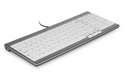
UltraBoard 960 Compact Standard Keyboard V2
| 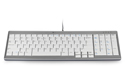
UltraBoard 960 Compact Standard Keyboard V2 - Profile
| 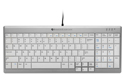
UltraBoard 960 Compact Standard Keyboard V2 - Profile
| 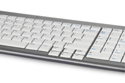
UltraBoard 960 Compact Standard Keyboard V2 - Front
| 
UltraBoard 960 Compact Standard Keyboard V2 - Compact Financial Layout
| 
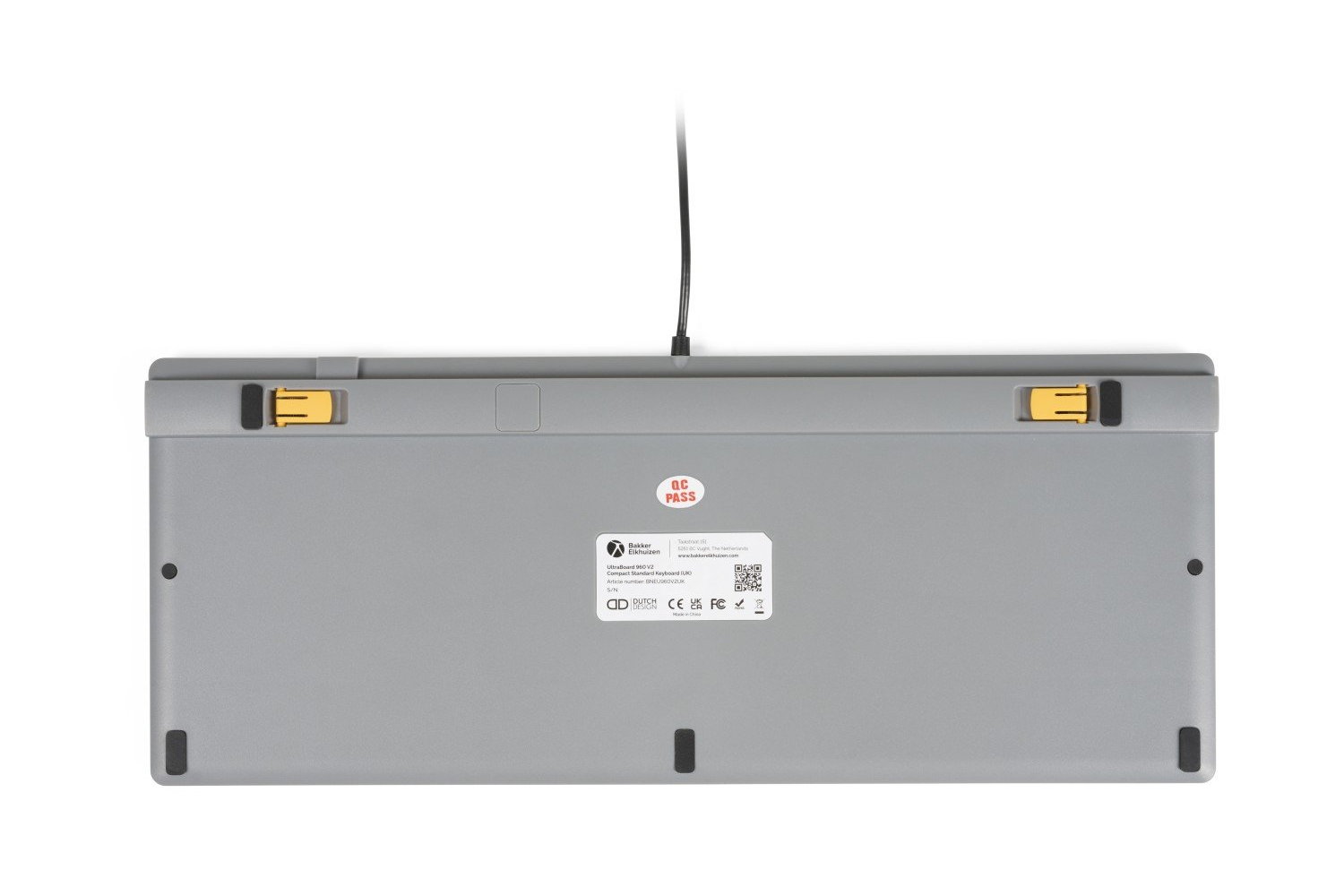
Rear Legs
| 
UltraBoard 960 Compact Standard Keyboard V2 - Equipped for USB-C and USB-A
| 
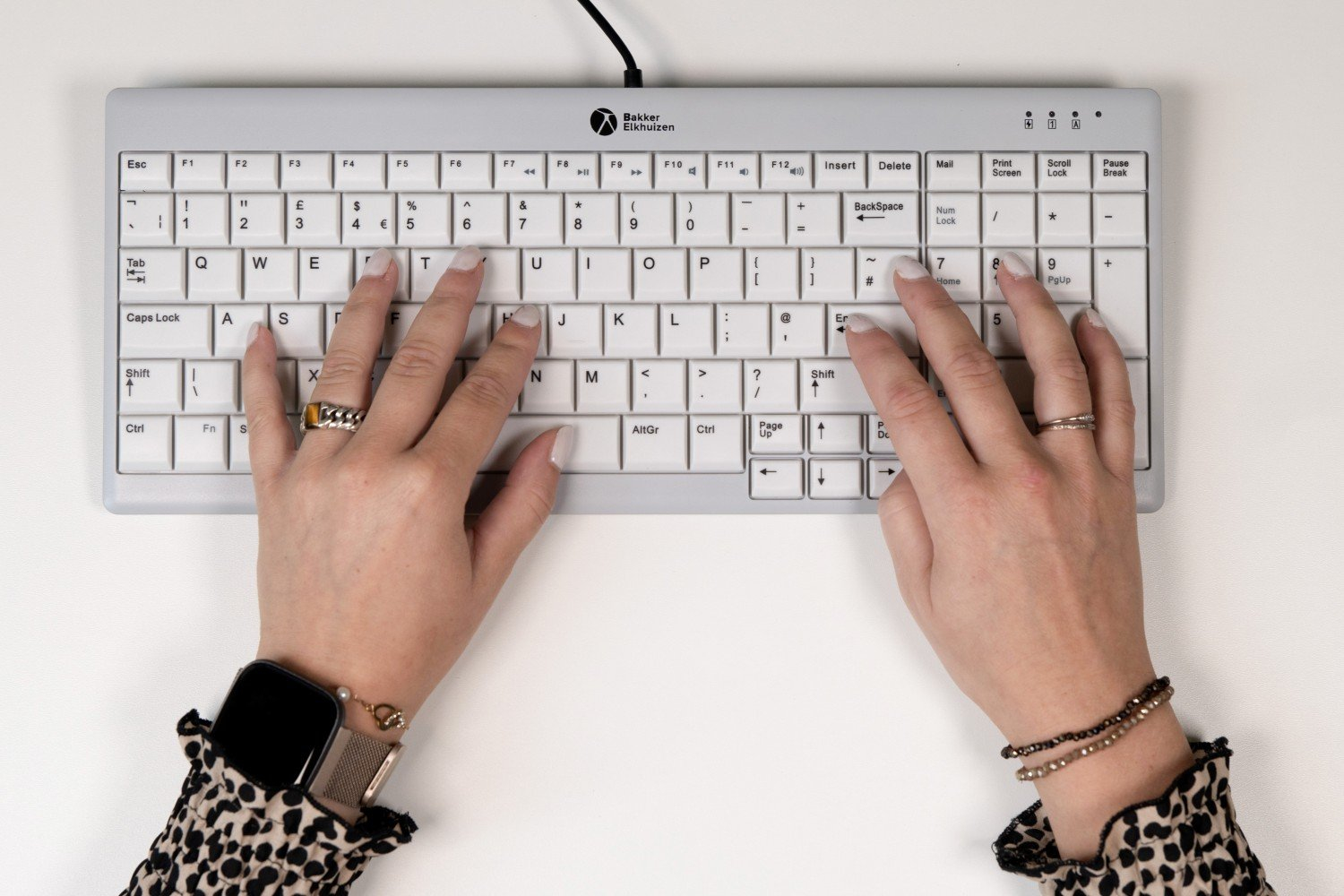
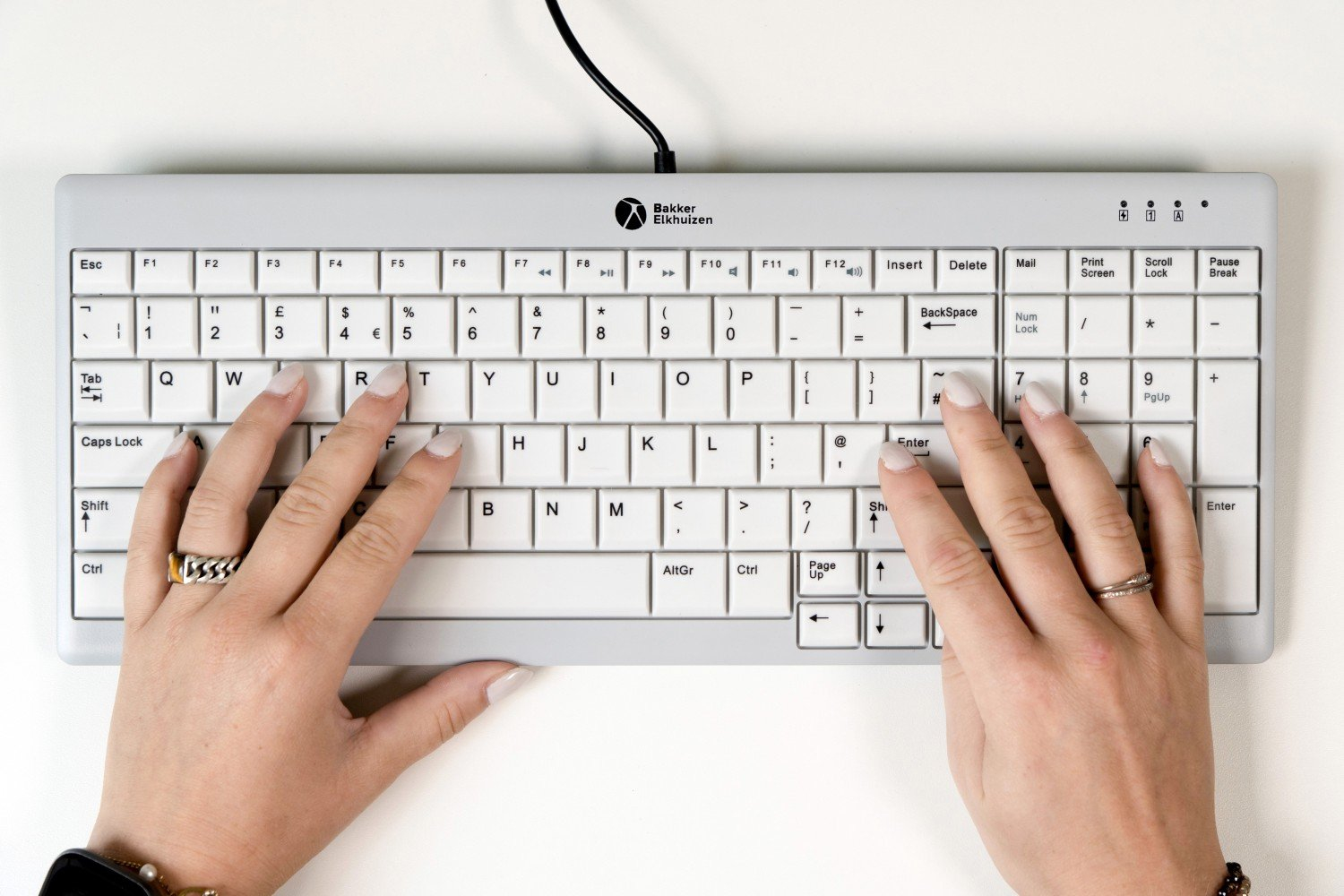
UltraBoard 960 Compact Standard Keyboard V2 - in Use
| 
UltraBoard 960 Compact Standard Keyboard V2 - in Use
| 
UltraBoard 960 Compact Standard - Reduces Reach to Mouse
| 
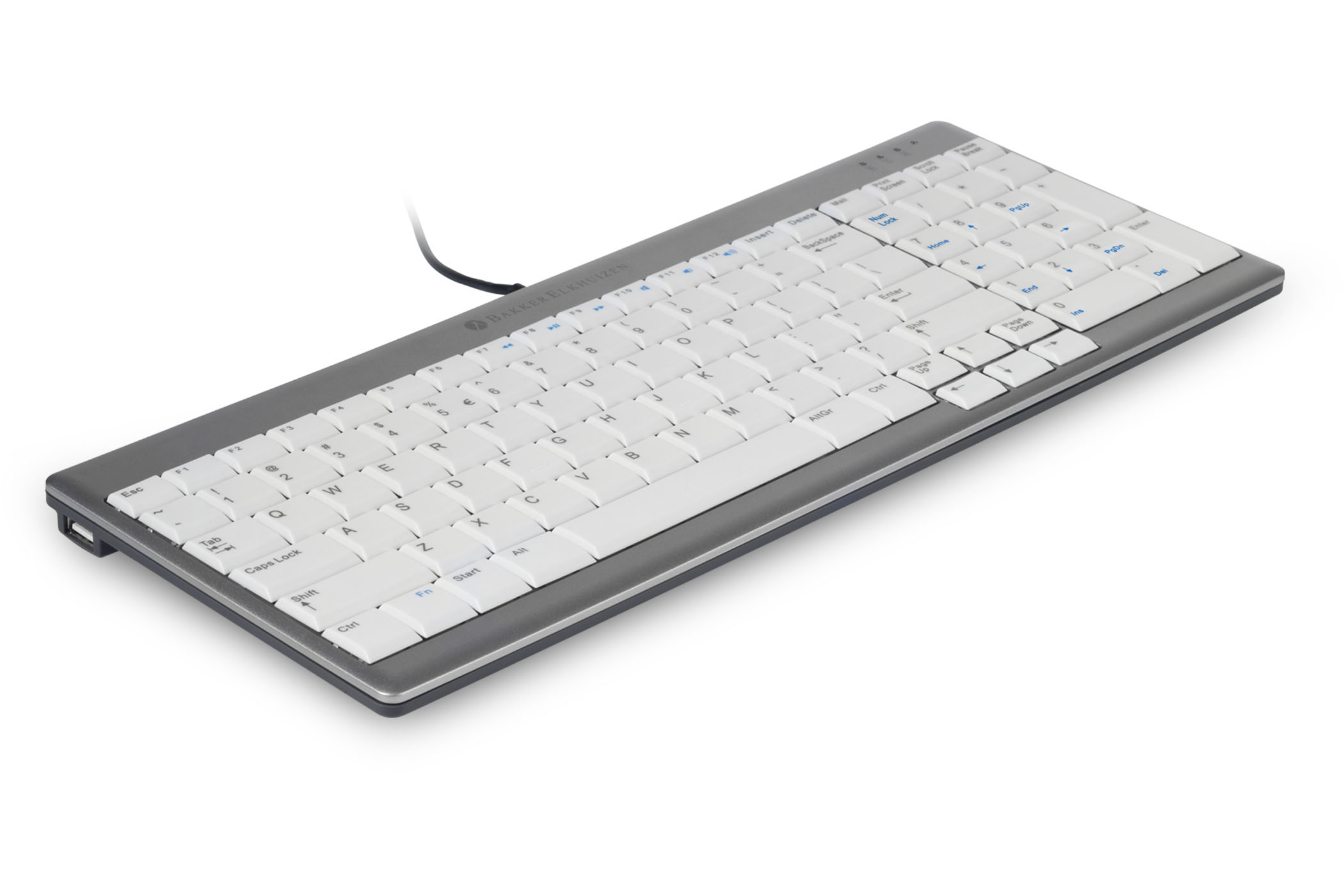
UltraBoard 960 Compact Standard Keyboard
| 
UltraBoard 960 Compact Standard Keyboard
| 
UltraBoard 960 Compact Standard Keyboard
| 
UltraBoard 960 Compact Standard - Contoured Keycaps
| 
UltraBoard 960 Compact Standard - Full Tenkey Functionality
|
| | Additional Resources |
|---|
- UltraBoard 960 Compact Standard Product Sheet: PDF
- UltraBoard 960 Compact Standard User Manual: PDF
- UltraBoard 960 Compact Standard Video: VIDEO
| | Technical Specifications |
|---|
| | Usage Tips |
|---|
- Consider replacing your traditional Right Handed Mouse with a Left Handed Mouse or Central/Inline Device. While the UltraBoard 960 Compact Standard keyboard does substantially reduce the reach on the right side it is possible to totally eliminate that concern by reassigning your cursor control to a location that eliminates the need to reach "over" the numeric keypad. This can also serve the purpose of enabling you to better balance the workload across both hands.
| | Models |
|---|
 | | Model # | Description |
|---|
| BNEU960SCUS | UltraBoard 960 Compact Standard (USB-A) | | BNEU960V2US | Bakker Elkhuizen UltraBoard 960 Compact Standard, Light Grey/Dark Grey Housing, USB (USB-C connector with USB-A adapter) |
|
|