| Additional Resources Accessories |
| Product Summary |
|---|
The Desk Clamp Tilting Keyboard Tray from Aidata is an economical storable keyboard tray that offers improved ergonomic positioning with positive and negative tilt options in addition to a traditional level position. It is ideal
for situations where a temporary or occasional use keyboard tray is required. If there is a need to improve the ergonomics of an improvised workstation, such as when working from home, or to even just quickly and temporarily adapt an existing worksurface, this tray is able to meet the need.
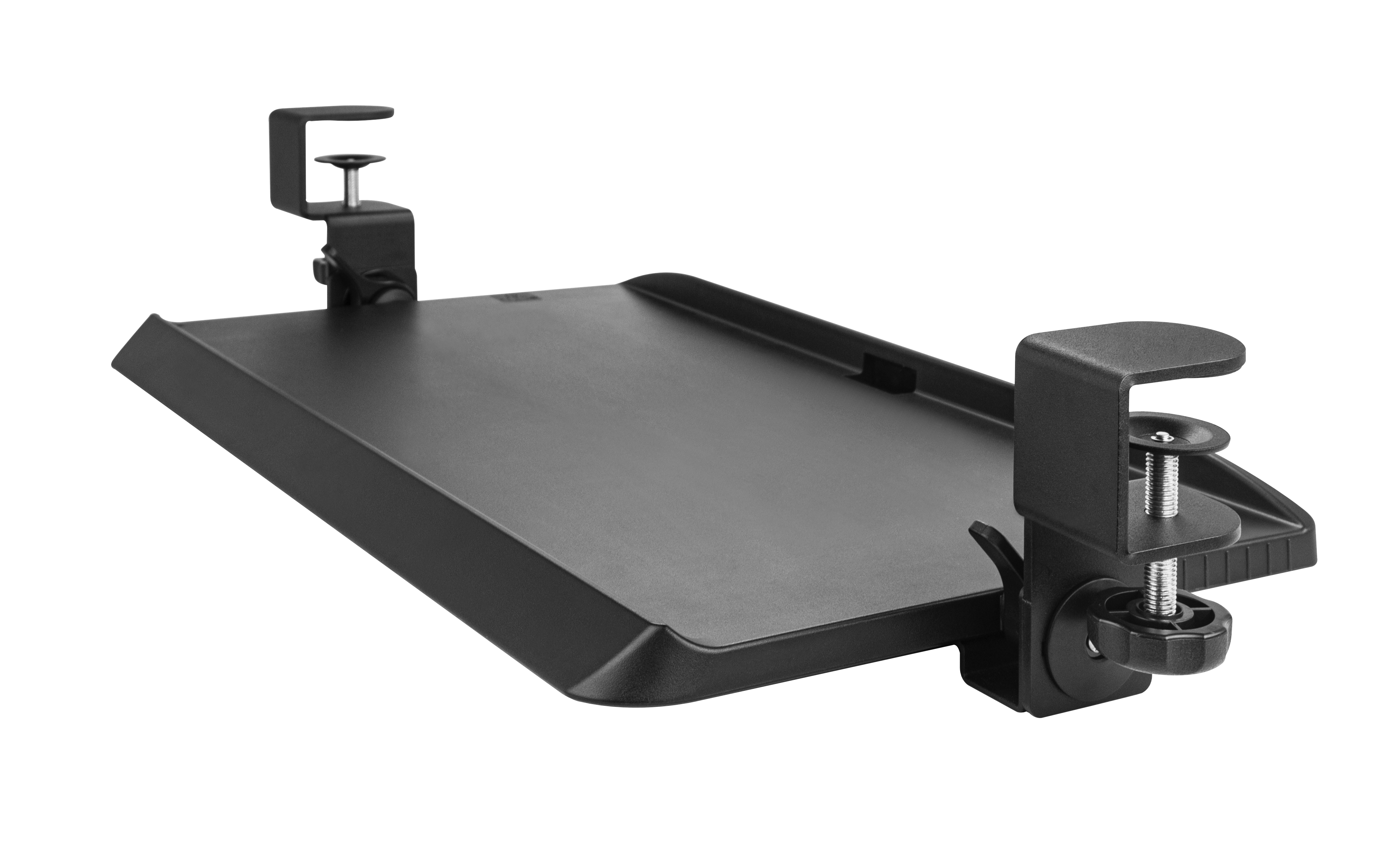
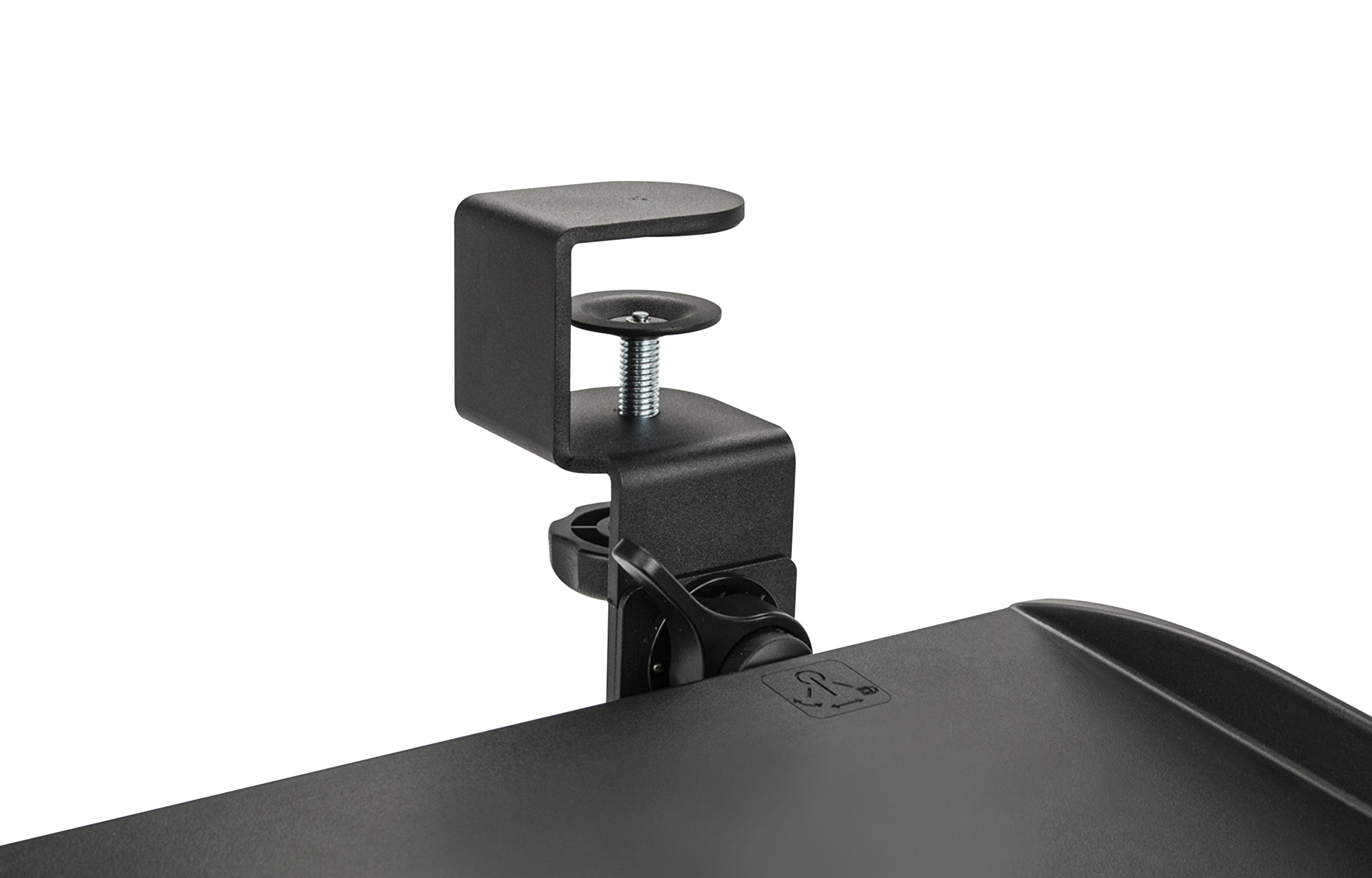
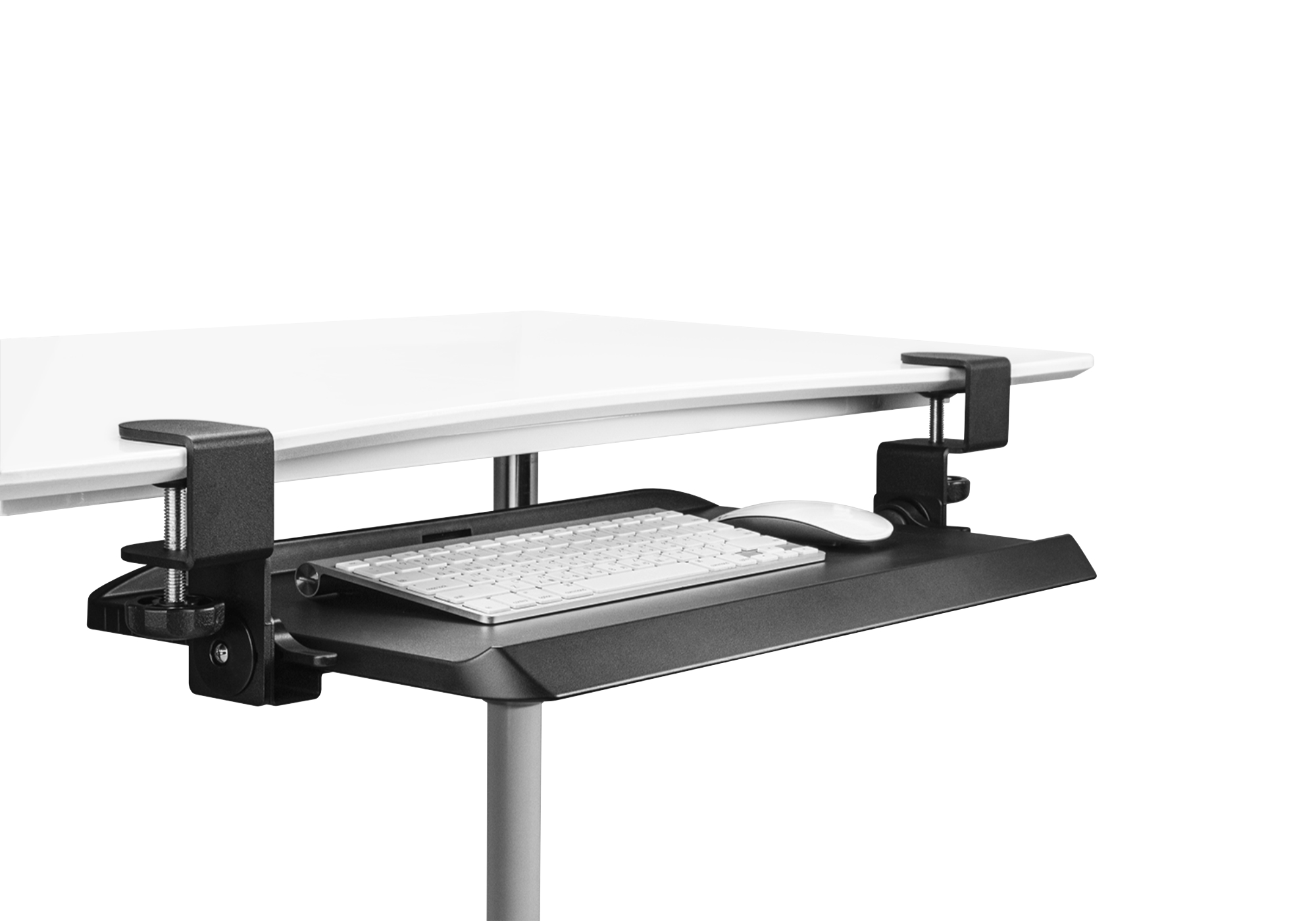
Constructed of high impact plastic, the tray attaches directly to the front of desk surfaces (up to 1.57" thick) and requires 27" of open space for mounting. Sturdy steel clamp brackets (requiring 2.25" of surface depth) secure it firmly in place and glide rails in the underside of the tray allow for almost complete storage. The tray is positioned about 4" below the surface of the desk or table and on a 1" thick surface will have approximately 3" of clearance between the underside of the desk top and the keyboard tray.
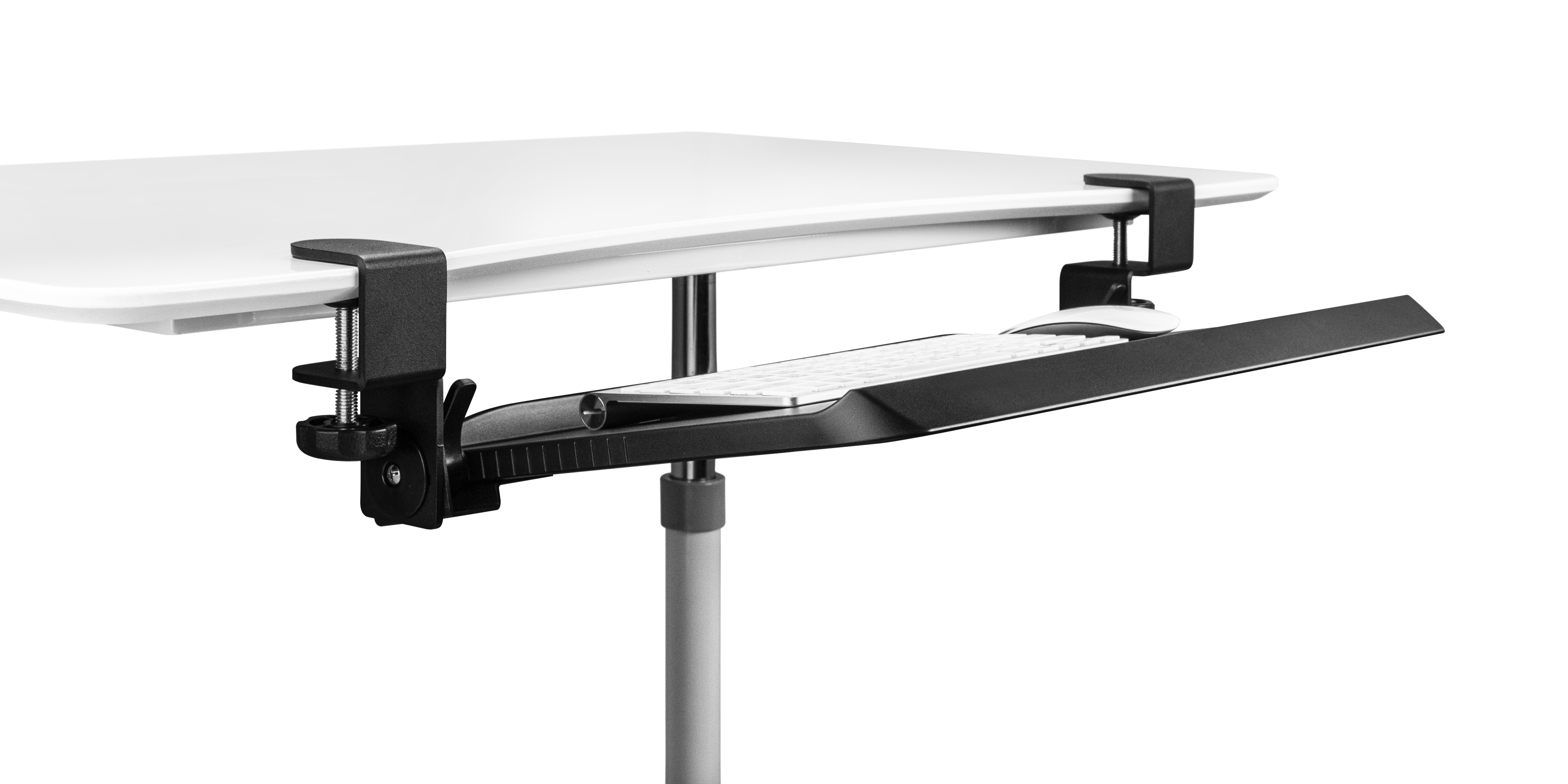
The 20-inch wide tray is able to accommodate many central pointing device/keyboard combinations (up to 10.125” in combined depth) or a compact keyboard and traditional mouse. The front 1.25" is an ergonomic bevelled edge designed to reduce the risk of pressure against the underside of the wrist. The rear of the tray has also has a low ridge to keep both keyboard and mouse from sliding off the rear of the tray. When stored about 1" of the front lip extends forward of the desk surface.
With a weight of just 4 lbs these trays are ideal for situations where an individual is traveling to workplaces that may not offer a keyboard tray but where the desk surface is too high to ensure proper ergonomics. Once initial assembly (less than 5 minutes) is completed, the tray can be attached and removed in under a minute and will not mark the existing desk surface.
Note: This is not suitable for attachment to glass surfaces as pressure from the clamp brackets could potentially cause the glass to break.
If regular adjustment of keyboard tray height or angle is required, or if the workstation is to be more permanent a heavy-duty Keyboard Tray System may be a more suitable option. |
| Ergonomic Benefits |
|---|
Can Reduce Strain on the Shoulder and Neck Muscles - Most desk surfaces position the mouse and keyboard too high for those of average height. By lowering the keyboard and mouse they are better positioned to accommodate the ergonomic needs of a much larger range of individuals.
Positions Keyboard and Mouse within the "Comfort Zone" - The Desk Clamp Tilting Keyboard Tray facilitates the positioning of both keyboard and mouse in closer proximity to the torso, and at the same level relative to each other. Keeping frequently used devices within the Comfort Zone allows the muscles of the upper body to remain relaxed and reduces the risk of overreach injuries. Learn More About the Comfort Zone.
Eliminates Potential Pressure on Wrists - The bevelled front edge eliminates abrupt or sharp edges, dropping away from the underside of the wrist and arm. Eliminating these pressure points reduces the potential for restriction of blood flow and/or the development of related carpal tunnel issues. Learn More about Carpal Tunnel Syndrome.
Allows Reference Materials to be Placed Inline - Adding a Desk Clamp Tilting Keyboard Tray to a workstation can also free up space between the keyboard and monitor, allowing this area to be used for reference materials. Placing reference documents in line with the monitor(s) significantly reduces neck rotation and the resulting strain on the muscles of the neck and shoulders. Learn More About the Comfort Zone.
Encourages Correct Posture - Using a Desk Clamp Tilting Keyboard Tray makes it easier to adjust the keyboard for different types of sitting or standing. The ability to tilt the tray means it is possible to better achieve neutral wrist alignment in these differing positions.
Enables Correct Viewing Distance - The shallow depth of many modern desks can position the monitor(s) too close for comfortable viewing. In these circumstances the addition of a Desk Clamp Tilting Keyboard Tray can effectively provide up to 10" of additional space between the eyes and the screen. This can be of special benefit to those who employ large screens or multiple monitors. For these individuals, the additional distance is sufficient to greatly reduce the degree of neck rotation required to see the entire viewing area. Learn More About Correct Monitor Positioning.
|
| Features |
|---|
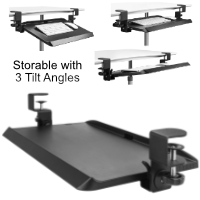
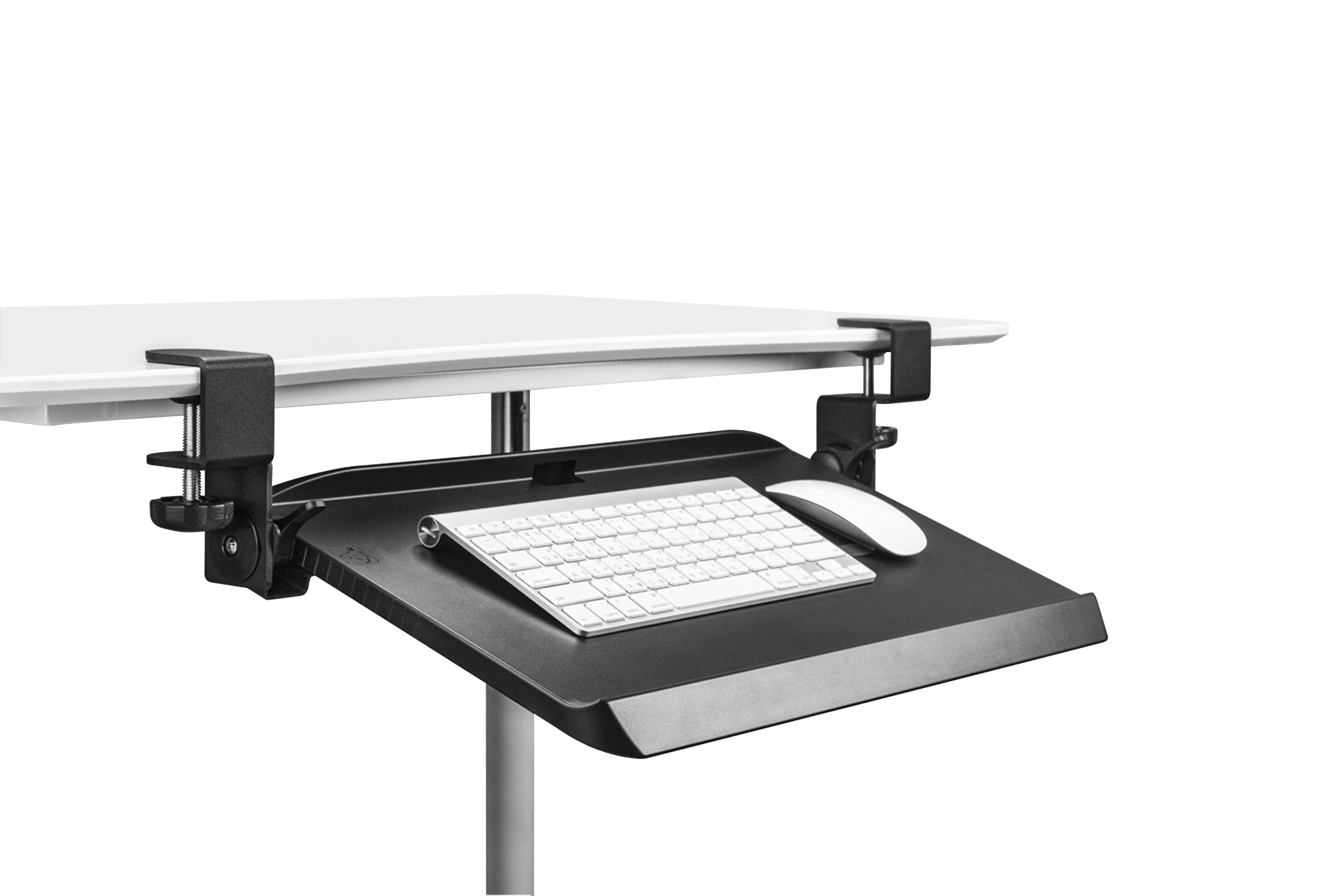
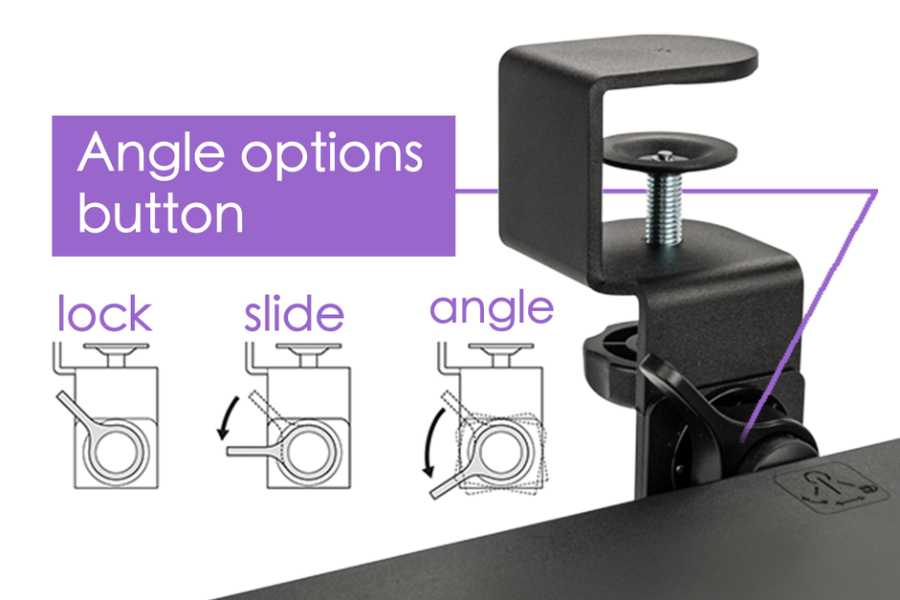
- Tilting Keyboard Tray: The tray can be adjusted to 15° negative or 15° positive, or as a standard level tray, locking in at all angles. It can also be left to extend or store freely or be locked into either extended or stored positions. The selection and locking tabs are located to the right and left of the tray.
- Single Fixed Height: On a 1” thick desk, the tray will be positioned approximately 3” below the underside of the desk when in neutral position.
- Compact Dimensions: The tray itself is just 20” wide and offers 10” of usable depth for keyboard and mouse. With the brackets it requires 27” of width for mounting.
- Portable and Lightweight: Weights just 5 pounds and can be attached and detached in under a minute.
- Storable: The underside of the tray incorporates glide tracks that facilitate storing the tray below the desk when desired.
- Bevelled Front Edge: The bevelled front edge eliminates potential pinch points that can press into the soft underside of the wrists.
- Keyboard Retention Lips: As the tray can be adjusted to both negative and positive angles it is equipped with lips at both the front and rear to keep keyboards and mouse in place.
- Sturdy Construction: The Desk Clamp Tilting Keyboard Tray uses high impact plastics that provide a rigid surface and is secured with robust steel clamps.
|
| Images (Click on any thumbnail to view larger image) |
|---|
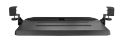
Desk Clamp Tilting Keyboard Tray
| 
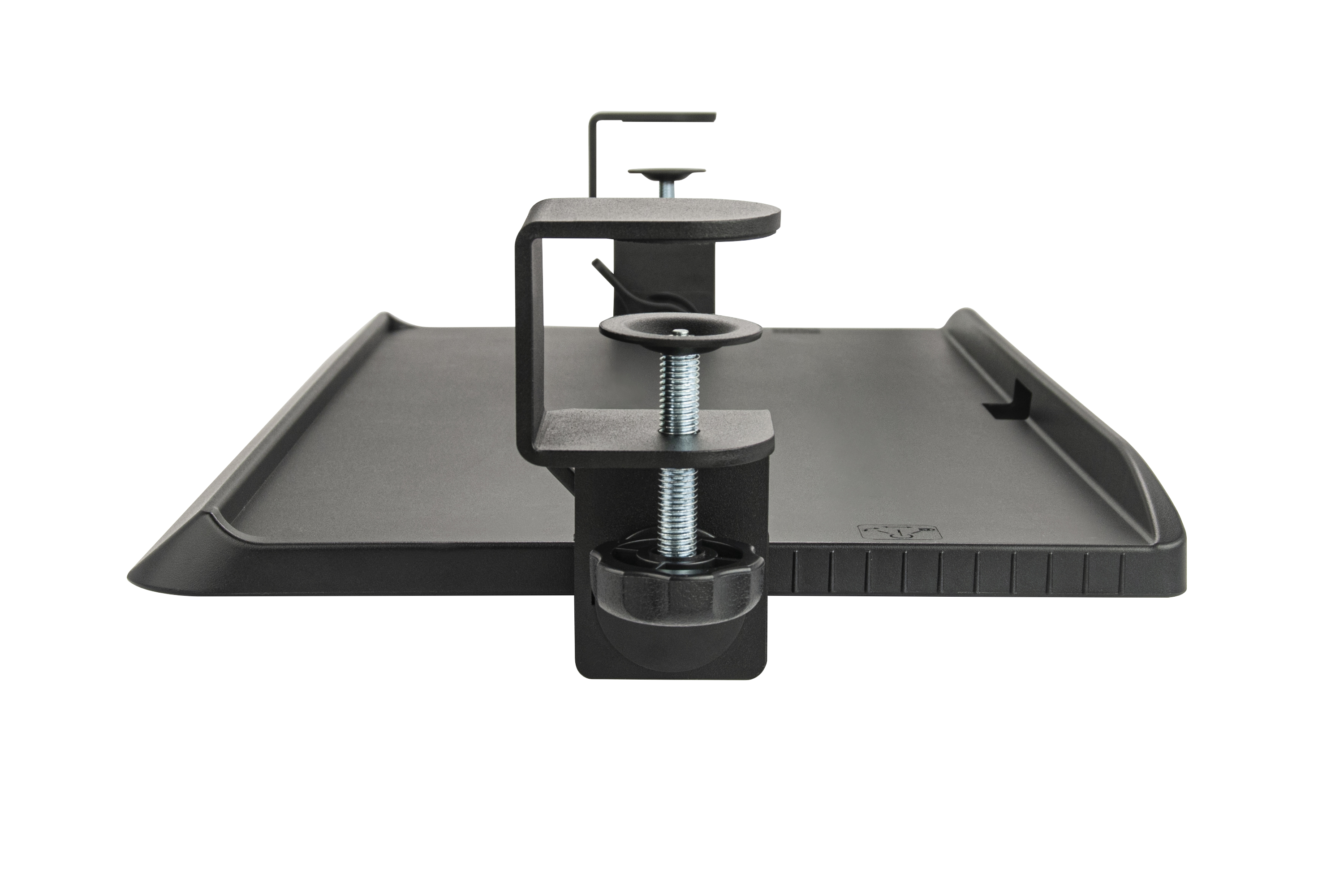
Desk Clamp Tilting Keyboard Tray Side View
| 
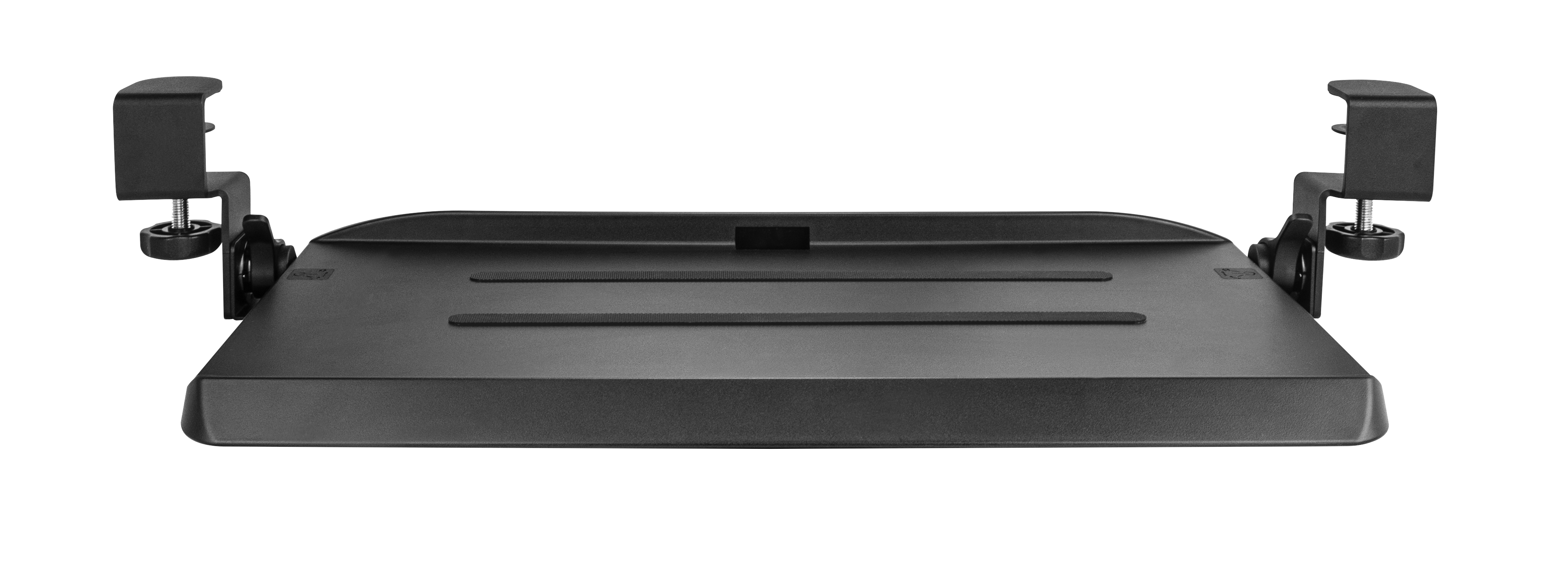
Desk Clamp Tilting Keyboard Tray Front View
| 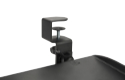
Desk Clamp Tilting Keyboard Tray – Sturdy Steel Clamps
| 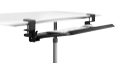
Desk Clamp Tilting Keyboard Tray – Negative Tilt
| 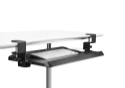
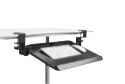
Desk Clamp Tilting Keyboard Tray – Neutral
| 
Desk Clamp Tilting Keyboard Tray – Positive Tilt
| 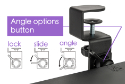
Dual Angle/Slide/Lock Adjustment Tabs
| 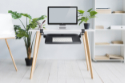
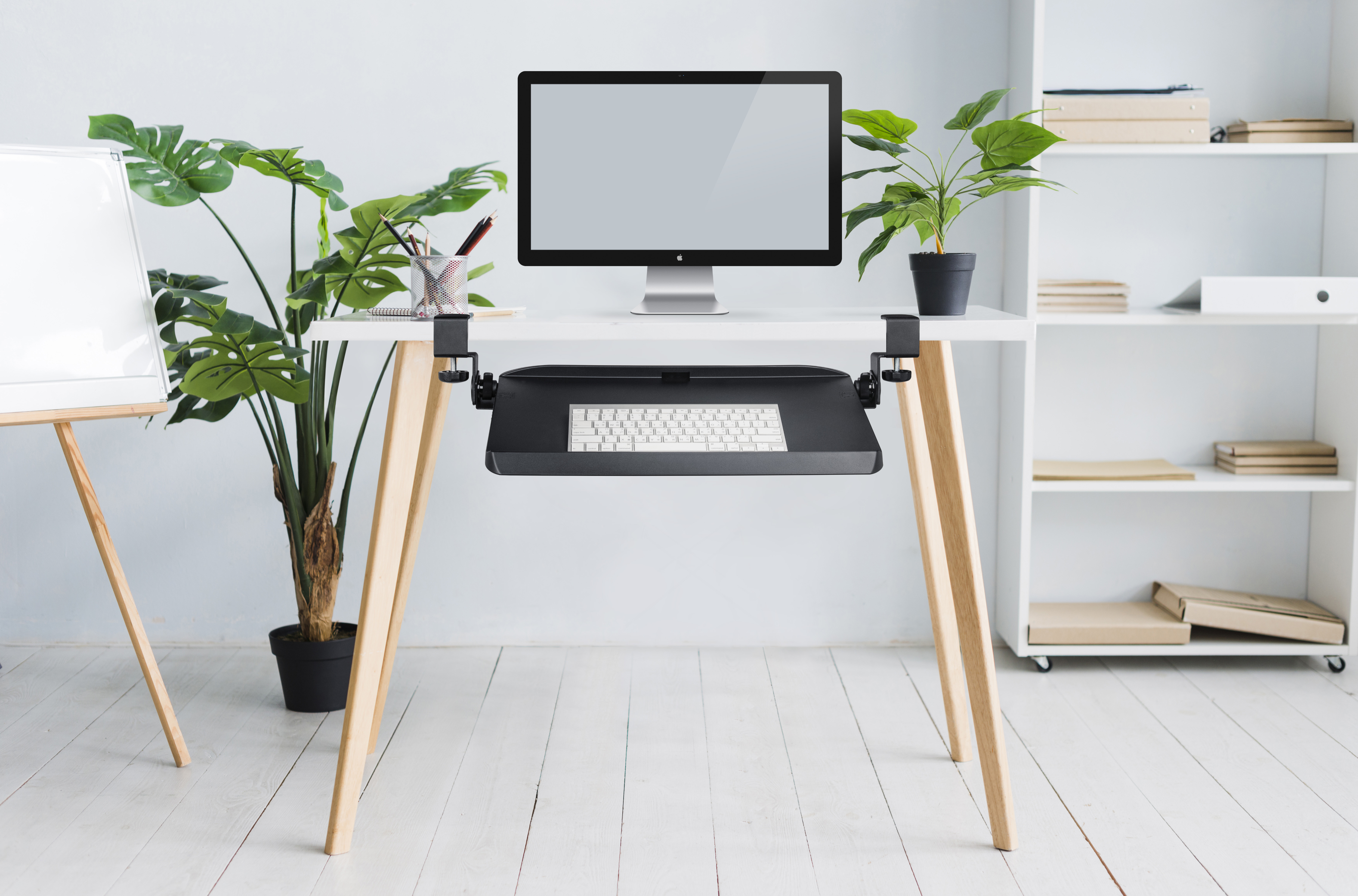
Desk Clamp Tilting Keyboard Tray in Use
|
|
| Technical Specifications |
|---|
- Width:
Tray Width: 20.0" (50.8 cm)
Overall Width (including clamps): 27" (68.6 cm) - Depth (front to back) of Tray:
Overall Depth: 11.5" (29.2 cm)
Usable Depth (flat surface area): 10.125" (25.7 cm)
Bevel Edge Depth: 1.125" (2.6 cm) - Weight: 4.4 lbs (2 kg)
- Mounting Depth Required:
Brackets require approximately 2.25" (5.7 cm) of depth.
Tray is suspended from brackets and requires only 10.5" (26.7 cm)of depth to store.
Front Bevelled Edge extends 1.0” (2.5 cm) when fully stored.
- Required Desk Thickness: Up to 1.5" (3.8 cm)
Note: Please ensure that the mounting surface is capable of supporting the tray. Not recommended for glass surfaces. - Keyboard Tray Height (below mounting surface): Approx. 4.0” (10.2 cm)
- Materials: 90 days. Manufacturer Direct Only.
- Package Contents: Desk Clamp Tilting Keyboard Tray, Mounting Brackets, Product Guide
- Tools Required:
Assembly: Phillips Screwdriver
Installation: No Tools Required.
|
| Usage Tips |
|---|
- The Desk Clamp Tilting Keyboard Tray is designed to accommodate multiple working postures. With the tray set at a positive tilt it can provide a neutral posture for those who wish to semi-recline while working. The neutral position is well-suited for standard use, and the negative angle option works well for standing positions and where the keyboard is lower than the elbows.
- If you find that your elbows are below the level of the keyboard tray you should probably try to elevate your sitting position to bring your elbows level with or slightly above the keyboard tray. This will likely also then require the addition of a foot rest to support your feet due to this increase in height. A similar adjustment may need to be done if you find that your elbows are too high "above" the keyboard tray. In this case a slight lowering of the seat might achieve the desired height without any further adaptations. Employing the angle adjustments can aid when needing to address height accommodation.
|
| Models |
|---|
 |
| Model # | Description |
|---|
| KB-4080 | Desk Clamp Tilting Keyboard Tray |
|