| | | Product Summary |
|---|
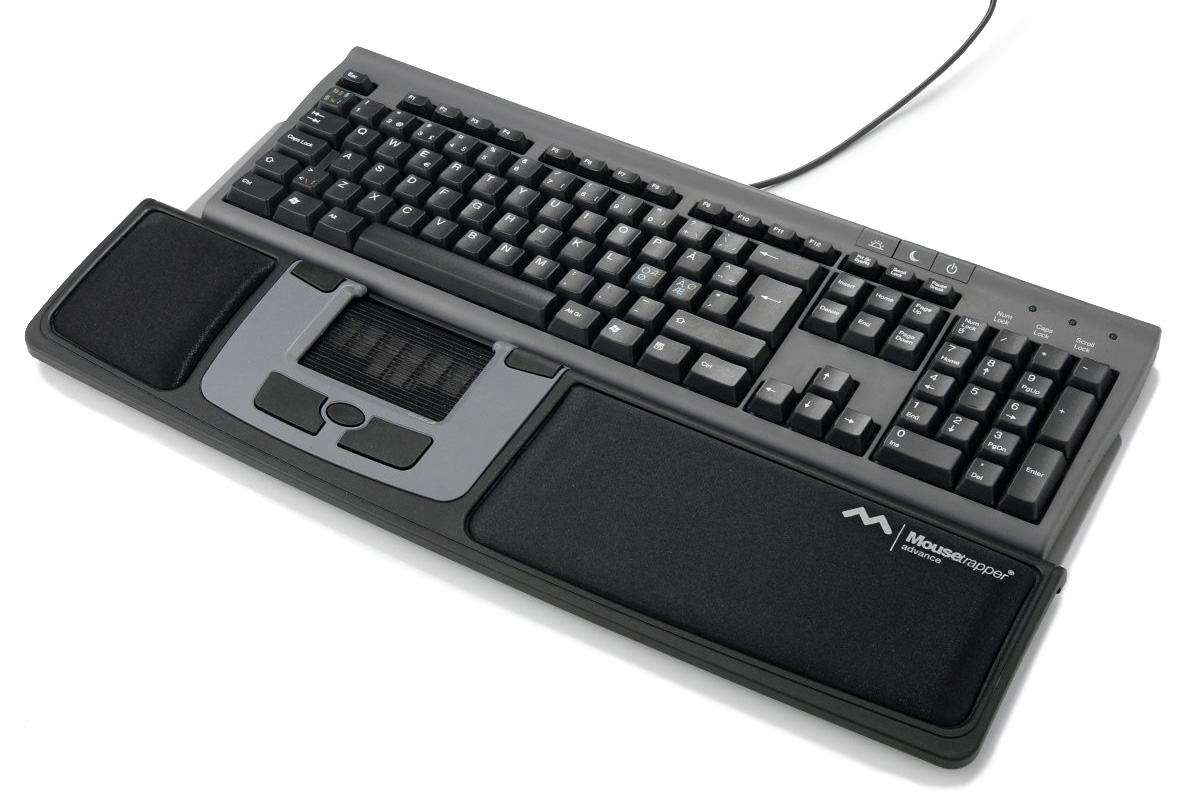
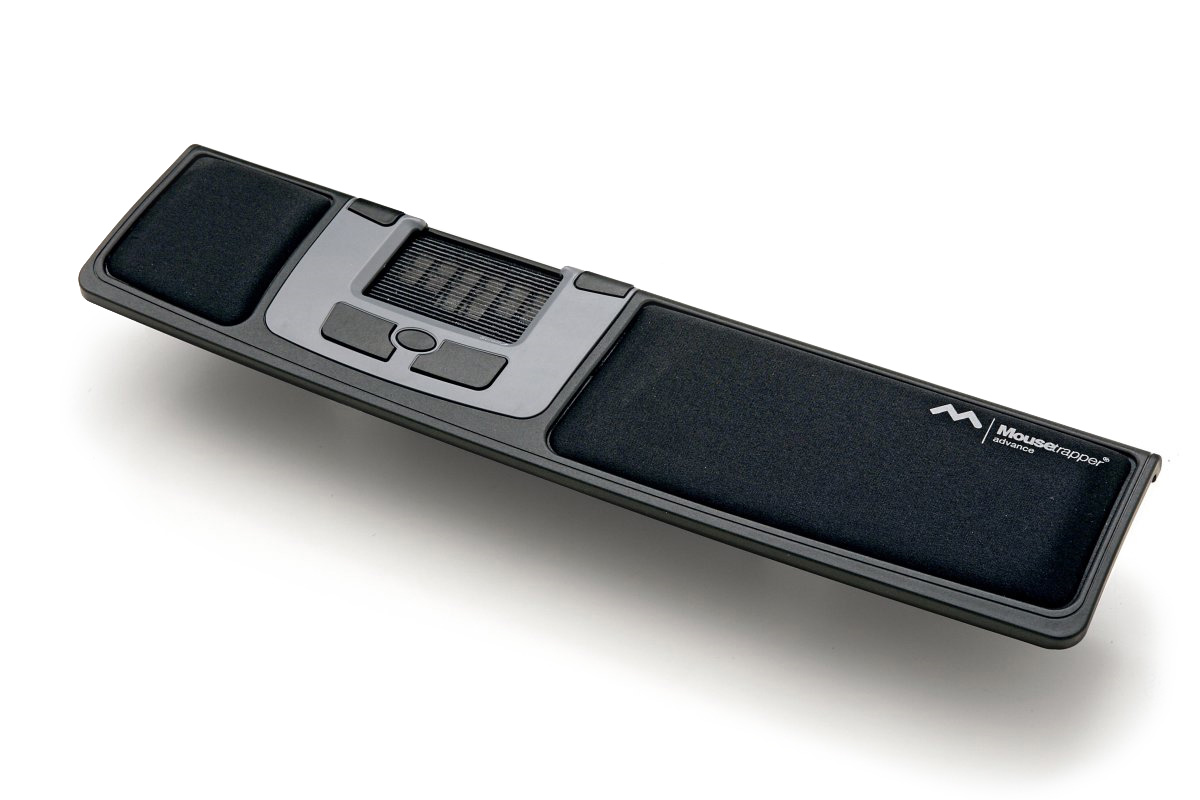
The Mousetrapper Advance is a central pointing device that sits directly below the keyboard. As with all other members of the Mousetrapper family of devices, the Advance facilitates cursor control through the innovative "steering pad". Incorporating features and concepts of both a touchpad and a treadmill, the steering pad offers fingertip control for precise cursor movement, left click activation and vertical scrolling. When used with a standard full-size keyboard the steering pad is centered below the alpha-numeric keys, easily accessible by either hand. It features a slip-free silicone traction surface for the finger tips, offering near-effortless onscreen navigation and cursor control. The fingers can rest on the steering pad between mouse activation tasks, with clicking accomplished simply by pressing down against the pad. Because the fingers are physically moving the steering pad there is a much greater degree of tactile feedback than is provided by traditional touchpads, which in turn facilitates a greater degree of accuracy and control. As well, because the steering pad is not touch-sensitive there is no fear of movement disruption if additional fingers contact the steering pad - in fact, most people will naturally use multiple fingers to move the pad, making it a more natural movement than traditional touchpad control. The two-dimensional steering pad also offers an intuitive interface that for some may be easier to adjust to than rollerbars, touchpads or trackballs. Buttons adjacent to the steering pad provide quick access to double click, left click, right click and middle click functions.
The body of the Mousetrapper Advance also serves as a palm support to help minimize the risk of wrist extensions and has an attached "keyboard support" that can be folded out to elevate low profile keyboards or folded below the Mousetrapper when using more traditional keyboards. Like most central pointing devices, the Mousetrapper Advance requires no overextension of the shoulder joint, and can significantly reduce the risk of repetitive strain injuries to the muscles of the shoulder and upper back.
NOTE: This model is discontinued. The Mousetrapper Advance 2.0 is recommended as a replacement. | | Ergonomic Benefits |
|---|
Eliminates Overreaching for a Traditional Mouse, Relieving Neck, Shoulder and Elbow Pain - Using conventional keyboards will sometimes result in overreaching for the mouse as one is forced to reach over the arrow keys and numeric keypad to get to the mouse. This can lead to neck, shoulder and elbow pain and discomfort. Asymmetrical reaching with one side of the body and not the other causes muscle groups to compensate for the weight of the extended arm while reaching for a traditional mouse. Repetitive overreaching will often lead to tightness and pain in the neck, shoulder and elbow areas. The Mousetrapper Advance allows individuals to keep their elbows comfortably at their sides. Learn More About the Comfort Zone.
Prevents Static Grip of the Mouse - The control pad of the Mousetrapper Advance is steered with an open relaxed hand and slightly curled fingers - there is no gripping or holding with the hand. The control pad mechanism effectively eliminates static grip forces which accompany most conventional mice. The fingertips are used to move the control pad, sliding it side to side to provide horizontal cursor movement and running the pad up and down for vertical movement. There is little to no friction or resistance associated with this movement, greatly reducing muscle activity and reducing compression through the carpal tunnel. Learn More About Carpal Tunnel Syndrome.
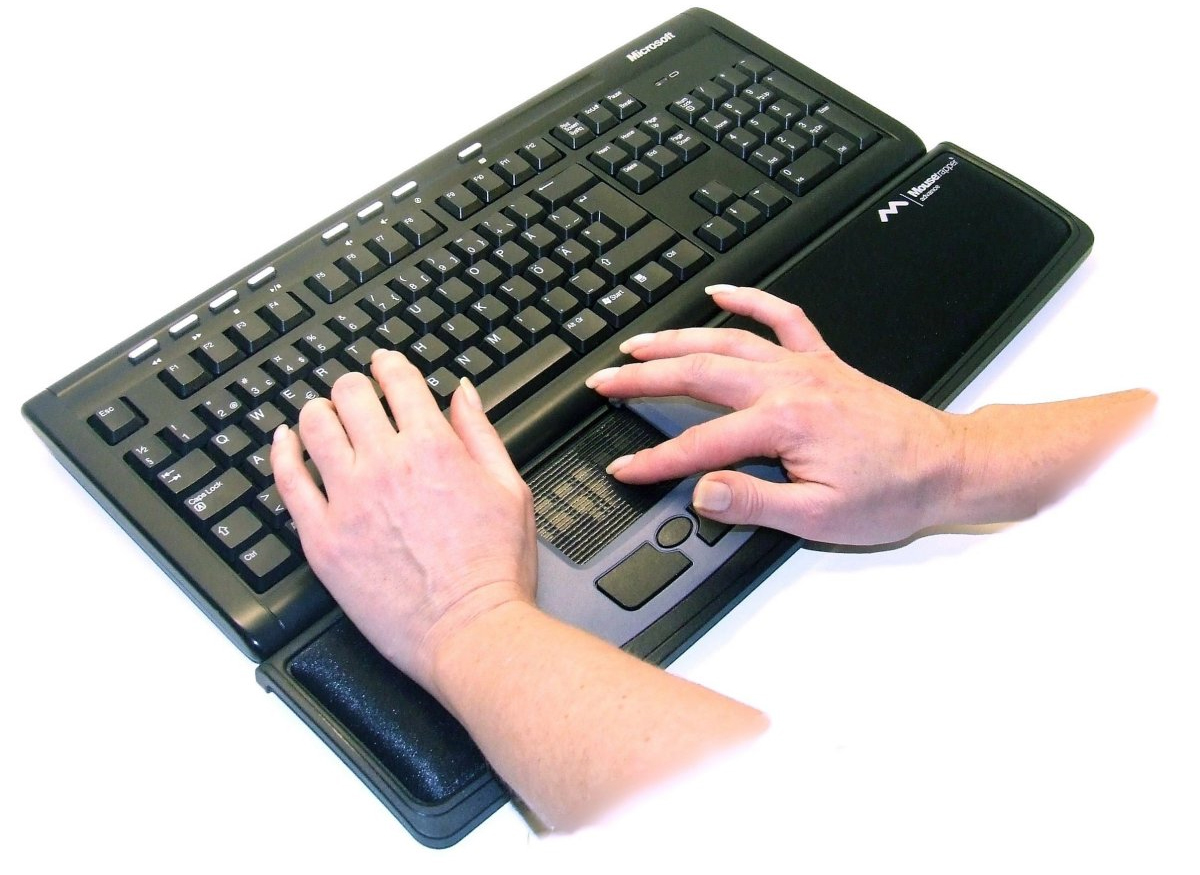
Ambidextrous Cursor Control - By centrally locating the mouse buttons beneath the keyboard home keys, mouse control is equidistant from either hand. Ambidextrous use is encouraged and easily accomplished with the Mousetrapper Advance.
Click with Any Finger - Any finger can be used to generate left clicks on the control pad, unlike most mice which require the index finger to generate all left clicks. This repetitive activity can lead to trigger finger Learn More About Trigger Finger.
Tactile Feedback - Since the steering pad is being physically moved there is immediate tactile feedback. The silicone-coated ribbed surface communicates this movement to the nerves of the fingers, providing a sense of "control" that is not available through a traditional touchpad or cylindrical mousing device. When clicking on the steering pad there is clear notification when activation has occurred.
Programmable - Five programmable buttons provide enhanced productivity through advanced programming with the MT Keys software, offering the option of simplifying repetitive keyboard functions to a single click.
| | Features |
|---|
- Steering Pad: This steering pad is unique to the Mousetrapper. Although it looks like a touchpad, it is more like a treadmill that moves in all directions, not just up and down. Up and down movement is continuous like a treadmill, and left to right movement is set at about 3.5" either way, which is enough to move your cursor across the screen. Your fingers do not move on the surface of the steering pad (as they would on a touchpad), they move the steering pad itself.
- Cursor Gliding: When the steering pad can no longer be moved to either side (due to limited left and right movement), but the cursor is not yet at the edge of the screen(s), the cursor will automatically move to the screen edge. This automatic gliding motion will 'recalibrate' the steering pad so that normal cursor movement can resume. It is a normal part of using the steering pad and does not affect its performance.
- 5 Non-tactile Buttons: There are five buttons situated around the steering pad. All are non-tactile, which means that there is no noticable 'click' sensation when the button is pressed. Functions include: (top buttons) double click, right click; (bottom buttons) left click, middle click (activates auto-scroll feature), right click. The buttons are also reprogrammable using the software provided for download on the Mousetrapper web site.
- Scrolling: The steering pad also has a scrolling feature, much like the one on many touchpads. To activate this feature, the finger is placed on the rightmost side of the pad and the pad is moved up and down to scroll. This can be combined with a click for advance web browsing; if a click is made while moving up, the "Back" function on the browser will be activated and if clicked while moving down, the "Forward" function will be activated
- Palm Supports: On either side of the steering pad are soft palm supports which cushion the palms and forearms while typing.
- Manual Storage Compartment: The underside of the Mousetrapper Advance has a compartment specifically design to store the small manual that comes with the product.
- No Driver Required: For work environments where Administrator privileges are limited MT Keys can be downloaded and installed on any computer with Administrator privileges. The Mousetrapper can then be custom programmed for use on other systems as the software writes the settings to the Mousetrapper and they are retained in non-volatile memory.
Note: In order to take advantage of moving between Profiles MT Keys must be installed on the host computer.
| | Images (Click on any thumbnail to view larger image) |
|---|
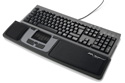
Mousetrapper Advance
| 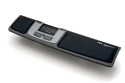
Mousetrapper Advance - without keyboard
| 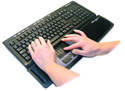
Mousetrapper Advance - in use
| 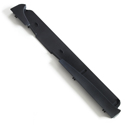
Mousetrapper Advance - Docking Unit
| |
| | Additional Resources |
|---|
| | Technical Specifications |
|---|
- Width: 18.875" (47.9 cm)
- Depth (front to back): 4.5" (11.4 cm)
- Height: 1.0" (2.5 cm)
- Number of Buttons: 5
- Button Type: Membrane
- Cursor Control Area: 3.25" wide by 2.00" deepsteering pad(8.3 cm wide by 5.1 cmdeep steering pad)
- Embedded Left Click in Cursor Control: Yes
- Colour: Black
- Compatibility: PC:Windows 98 SE, ME, 2000,XP (32 and 64 bit), Vista (32 and 64 bit), Windows 7.0 (32 and 64 bit), Windows 8, Windows 10
Mac:Mac OS X 10.7 or later - Interface: USB
- Warranty: 2 Years
- Package Contents: Mousetrapper Advance, USB Cable, User Guide
| | Usage Tips |
|---|
- To obtain the most benefit from your MouseTrapper make a point of learning to use the Control Pad with both hands. This will let you balance the load across both hands, reducing the risks associated with repetitive actions.
- Browse through the many options available on the MT Keys software. You may be surprised at how powerful it is and may find some unique functions that work well for specific applications.
- Consider the most common actions that you perform while mousing and program buttons to perform those actions. Reprogram buttons to match your natural movements. The default commands may not necessarily be those that you need, that is why the MT Keys is so useful - you can modify the layout to optimize your work.
| | Models |
|---|
| For pricing, availability or to order this product, visit our online store. | | Model # | Description |
|---|
| SMT417 | Mousetrapper Advance Plus, USB, Polyurethane covered Palm Supports |
| | Accessories |
|---|
| Model # | Description |
|---|
| MTA-DU | Docking Unit for Microsoft Comfort Curve Keyboard 2000 | | MTA-WW | 20 Wet Wipes |
|
|